





As a business owner, you understand how important online visibility is for attracting new customers. Figuring out where to start with Search Engine Optimisation (SEO), however, can feel complicated. An SEO audit is the essential first step. It acts as a health check for your website, identifying technical problems, content gaps, and opportunities to rise above your competitors in search results.
The good news is you don't need a large budget to begin. A wide range of effective, free SEO audit tools can provide useful insights to improve your website's performance. This guide has been created for business owners and marketing managers, not just for technical experts. We will break down 12 of the best free tools, explaining in simple language how to use them to find and fix issues that are holding your website back.
This article is designed to be a practical resource. For each tool, we provide:
- Direct links and clear screenshots to guide you.
- Simple, step-by-step instructions for performing a mini-audit.
- An honest assessment of each tool's pros, cons, and limitations.
Our goal is to explain the SEO audit process and help you make meaningful improvements yourself. By the end of this guide, you will have a clear understanding of your website's current health and a prioritised list of actions to boost your visibility.
1. Little Green Agency
For businesses that want a clear, expert-led starting point, Little Green Agency offers a free, personalised SEO audit. Instead of providing a purely automated tool, we combine technology with human expertise to deliver genuine, actionable insights. This is different from the instant, often generic reports generated by other platforms.
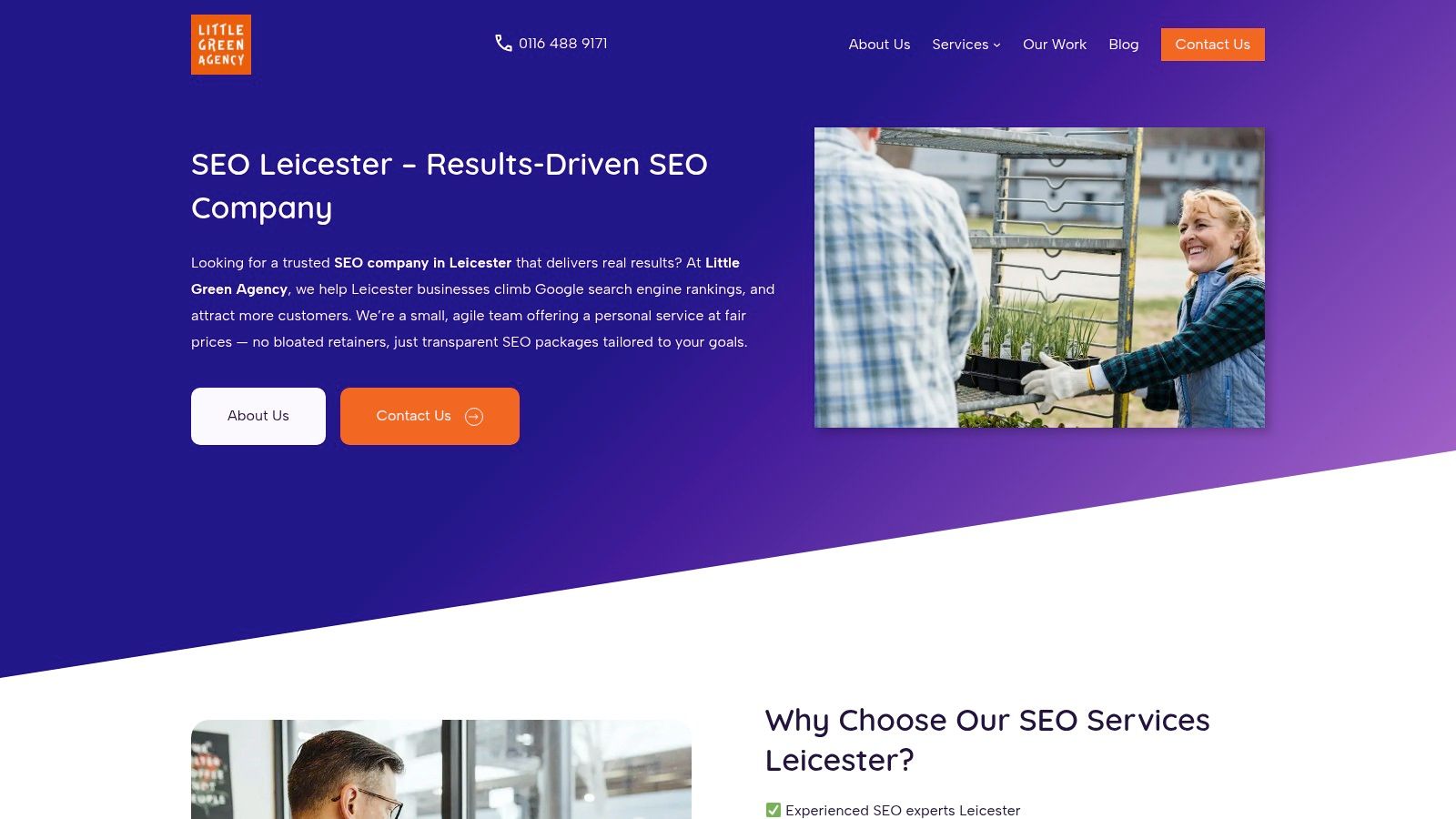
The audit isn't just about data; it’s about context. Our team, with over 20 years of digital marketing experience, analyses your website to identify practical quick wins and outline a longer-term strategy. This is particularly valuable for the average business owner who needs to understand why certain changes are necessary, not just what they are. This service is a precursor to our full, managed SEO services, making it an excellent, no-obligation way to evaluate our expertise.
Key Strengths & Use Cases
This audit is especially effective for small to medium-sized enterprises (SMEs) in sectors like hospitality, e-commerce (Shopify/WooCommerce), and local professional services. As a Leicester-based agency, we use our local knowledge to pinpoint opportunities in regional search results and Google Maps that automated tools often miss.
Why It Stands Out: The key differentiator is the human touch. An experienced consultant interprets the data, connects it to your specific business goals, and presents findings in a clear, jargon-free manner. This bridges the gap between raw data and a practical, results-driven action plan.
Pros & Cons
| Pros | Cons |
|---|---|
| Personalised & Actionable: A marketing expert reviews your site, providing tailored recommendations. | Not Instantaneous: As it's a manual review, you won't get an immediate report. |
| No Jargon: Findings are explained clearly, making it ideal for business owners without a technical background. | Regional Focus: Expertise is centred on Leicester and the Midlands, which may be less relevant for national firms. |
| Zero-Cost Strategy Session: It's a genuine opportunity to get expert advice without any financial commitment. | Lead to a Service: The audit is a gateway to our paid services, though there is no obligation to proceed. |
Access the Tool: https://littlegreenagency.co.uk
2. Google Search Console (GSC)
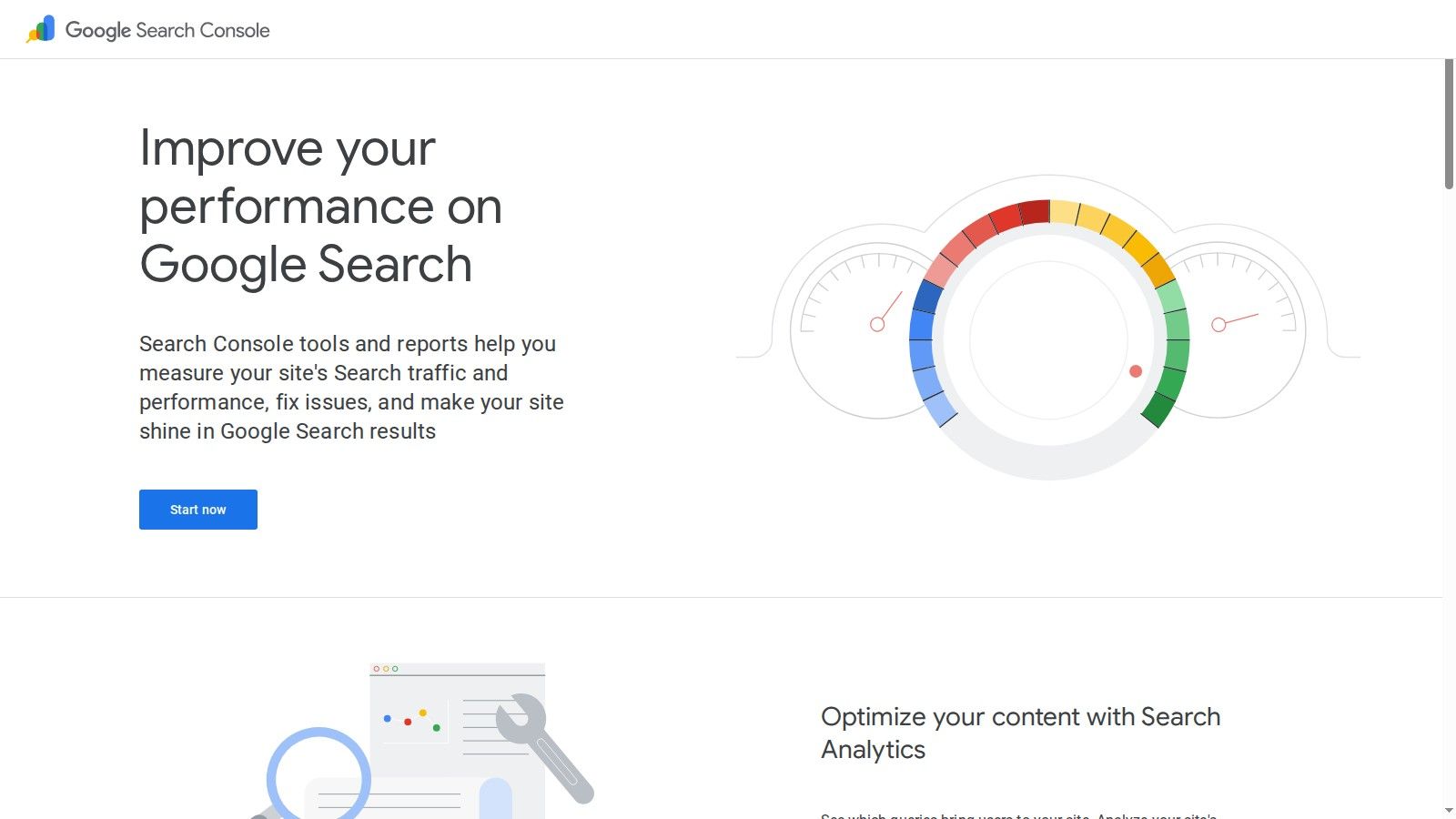
While many free SEO audit tools interpret data, Google Search Console (GSC) provides it directly from the source. It is Google's own platform, offering the most authoritative view of how your website is seen and performs in its search results. It is an indispensable tool for any business owner serious about their online presence. Verification is required to access the data, but the insight it provides is unparalleled.
What Makes It Essential?
GSC is less of a traditional "audit" tool and more of a diagnostic and monitoring platform. Instead of crawling your site like third-party tools, it reports on what Google's own crawlers have found. This includes vital information on technical health, search performance, and user experience signals.
Key Takeaway: GSC is non-negotiable for fundamental SEO. It's the only way to get first-party data on indexing status, search queries, and Core Web Vitals directly from Google.
Mini Audit Workflow: Check Your Technical Health
- Navigate to 'Pages' under the 'Indexing' section. Here you can see which pages Google has successfully indexed and which ones have issues.
- Examine the 'Why pages aren't indexed' table. This identifies critical problems like 'Crawled – currently not indexed' or 'Not found (404)'.
- Use the URL Inspection Tool. Enter a specific URL from your site to see its current index status, mobile usability, and any detected structured data.
Pros:
- Completely free and provides the most accurate data from Google.
- Essential for submitting sitemaps and monitoring Core Web Vitals.
- The URL Inspection tool offers granular, page-level diagnostics.
Cons:
- Requires site ownership verification (e.g., via DNS or HTML tag).
- It's not a comprehensive site crawler; it only reports on what Google has seen.
3. PageSpeed Insights (PSI) by Google
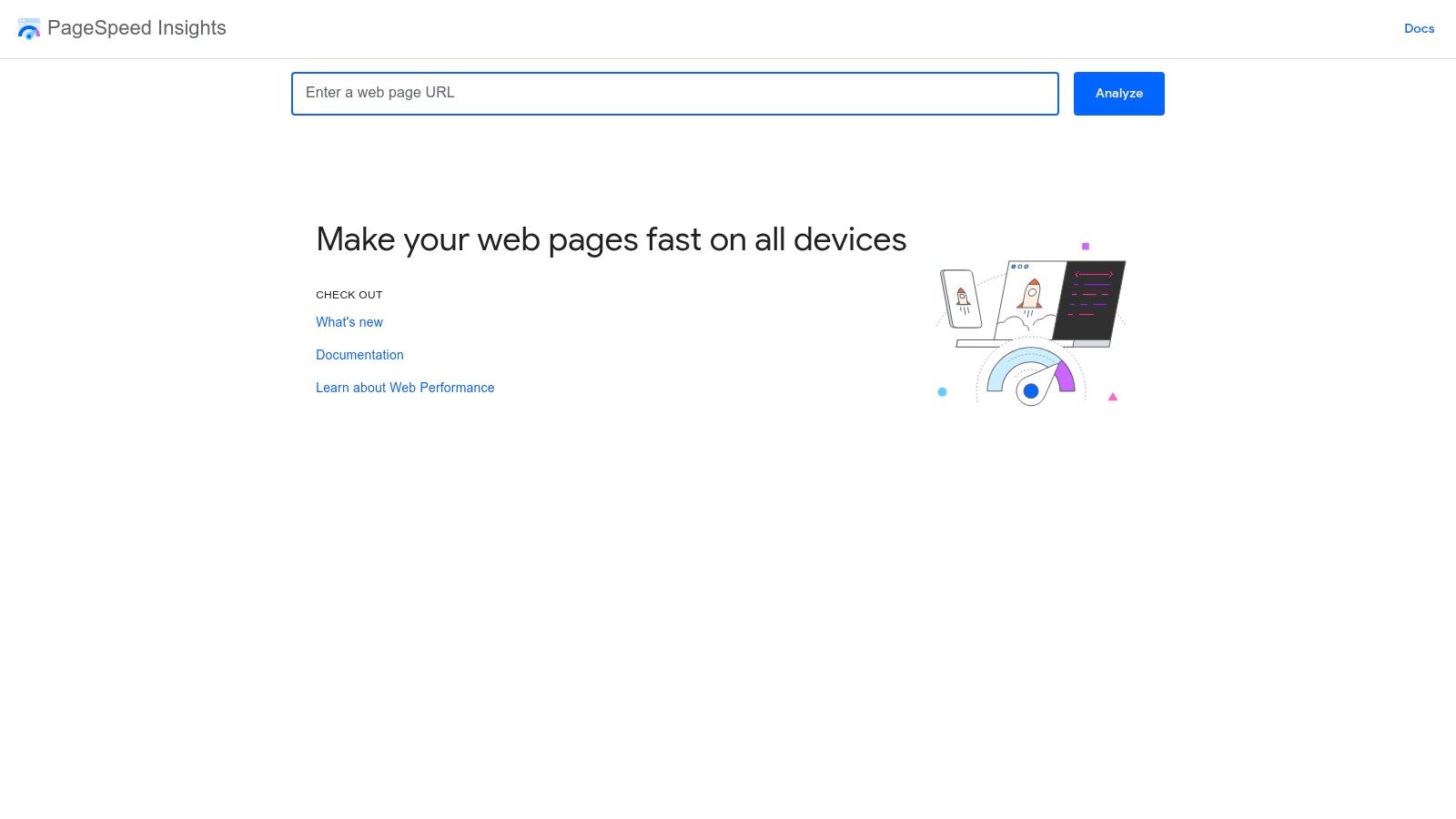
Website speed is a critical ranking factor and a cornerstone of user experience. PageSpeed Insights (PSI) is Google's own tool dedicated to measuring this, making it one of the most essential free SEO audit tools for technical performance. It combines lab data with real-world field data to provide a complete picture of your page's loading performance.
What Makes It Essential?
PSI goes beyond a simple speed score. It provides actionable diagnostics and opportunities to improve, specifically highlighting how your page performs against the Core Web Vitals (LCP, INP, CLS). For any business, a fast mobile experience is non-negotiable, and PSI tells you precisely what Google thinks of yours.
Key Takeaway: PSI is the definitive tool for diagnosing page-level speed and Core Web Vitals issues. Its recommendations are direct instructions on how to make your site faster for both users and Googlebot.
Mini Audit Workflow: Diagnose Your Homepage Speed
- Enter your homepage URL into the PSI tool at pagespeed.web.dev and click 'Analyse'.
- Toggle between Mobile and Desktop views. Pay closest attention to the Mobile score, as Google prioritises mobile-first indexing. Check if your Core Web Vitals are marked as 'Good' (green).
- Scroll down to the 'Opportunities' section. This list is prioritised by the estimated time savings. Common issues include 'Properly size images' or 'Reduce initial server response time'. Addressing the top items here will have the biggest impact on your score.
Pros:
- Completely free with no login or verification required.
- Provides both lab data and real-world user data (when available).
- Offers clear, prioritised recommendations to improve performance.
Cons:
- Only analyses one URL at a time; it is not a site-wide crawler.
- Performance scores can fluctuate between tests, so it's best to look at trends.
4. Ahrefs Webmaster Tools (AWT)
Ahrefs Webmaster Tools (AWT) brings the power of a premium SEO suite into the hands of website owners for free. While Ahrefs is famous for its paid tools, AWT provides a robust set of features for any business that can verify ownership of its site. It’s a good way to access high-level site auditing technology without the cost.
What Makes It Essential?
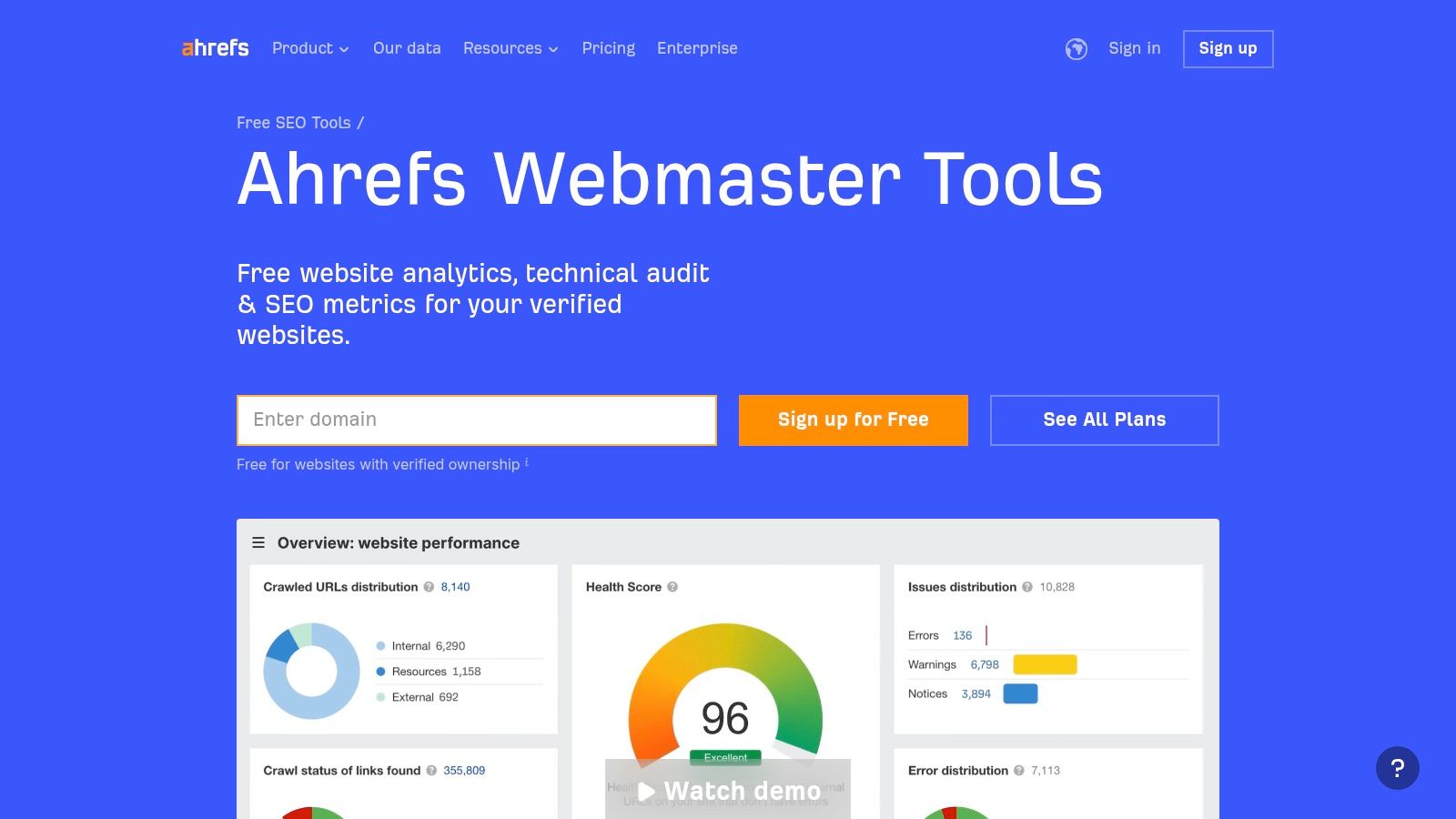
AWT stands out by offering a generous free technical audit package. It scans for over 170 pre-defined SEO issues, covering everything from performance and HTML tags to social tags and incoming links. The platform makes it easy to schedule regular crawls and monitor your site’s health over time, a crucial task for maintaining search rankings.
Key Takeaway: AWT is an excellent free tool for ongoing, in-depth technical SEO monitoring. Its high crawl limit and clear recommendations make it valuable for business owners.
Mini Audit Workflow: Find and Fix On-Page Issues
- Run a new crawl. Once your project is set up and verified, initiate your first Site Audit. This may take some time depending on your site’s size.
- Analyse the 'All issues' report. After the crawl, go to the Site Audit dashboard and review the 'All issues' report. This organises problems by type and priority (Error, Warning, Notice).
- Focus on high-priority fixes. Start with critical errors like broken pages (404s), missing title tags, or duplicate content issues. AWT provides a "How to fix it" guide for each issue, offering clear steps to resolve the problem.
Pros:
- A generous 5,000 crawl credits per month, per verified project.
- Scans for over 170 technical and on-page SEO issues with clear guidance.
- Allows you to add an unlimited number of verified websites.
Cons:
- Requires site ownership verification, so it can't be used for competitor analysis.
- Some advanced data and reports are restricted to paid plans.
5. Semrush Site Audit (Free plan limits)
Semrush is an all-in-one SEO platform, and its Site Audit feature offers a glimpse into this comprehensive suite. While the full platform is a premium service, its free account allows you to run a limited technical audit. It provides a structured way to identify technical issues, even with its free-tier restrictions.
What Makes It Essential?
Semrush organises complex data into digestible reports. The free Site Audit tool crawls up to 100 pages of your website and categorises findings into thematic reports like "Crawlability," "Internal Linking," and "HTTPS." This approach helps business owners quickly understand where the most critical problems lie without needing deep technical knowledge.
Key Takeaway: Semrush provides a user-friendly entry point into technical SEO audits, giving you a clear 'Site Health' score and actionable, prioritised issue lists.
Mini Audit Workflow: Get Your Site Health Score
- Create a free Semrush account and set up a new project. Enter your domain to get started.
- Configure the Site Audit settings. The default settings are usually fine. For the free plan, ensure it's set to 100 pages. Launch the audit and wait for the crawler to finish.
- Review the 'Thematic Reports' section in your audit dashboard. Pay close attention to the "Errors" tab first, as these are the highest-priority issues. Common problems identified here often include broken internal links or duplicate content issues.
Pros:
- Industry-standard toolset that is easy to understand, even for non-SEOs.
- Thematic reports clearly categorise issues, making them easier to tackle.
- Provides an upgrade path to a full suite of SEO tools if your needs grow.
Cons:
- The free crawl limit is very restrictive at only 100 pages per month.
- Advanced features are locked behind paid tiers.
6. Screaming Frog SEO Spider
Screaming Frog is a website crawler that you install on your computer. While many free SEO audit tools are web-based, this desktop application provides a deep, technical analysis of your site's structure and on-page elements. It’s trusted by technical SEO professionals for its speed and detail. The free version allows you to crawl up to 500 URLs, which is often sufficient for smaller businesses.
What Makes It Essential?
Screaming Frog excels at uncovering the technical details of your website that other tools might miss. It crawls your site much like a search engine, collecting data on everything from response codes and page titles to redirect chains and duplicate content. This makes it an indispensable tool for identifying technical SEO issues.
Key Takeaway: For a deep, technical site crawl, Screaming Frog is an industry standard. The free version provides immense value for quickly identifying on-page and technical problems on smaller websites.
Mini Audit Workflow: Find Your Broken Links
- Enter your website's full URL in the 'Enter URL to spider' box at the top and click 'Start'.
- Wait for the crawl to reach 100%. Once complete, click on the 'Response Codes' tab.
- Filter for 'Client Error (4xx)'. This will show you all the broken internal links on your website (e.g., Not Found 404s). To fix them, click on a broken URL in the top pane, then click the 'Inlinks' tab at the bottom to see every page that links to it. You can then correct these links. Many of the terms used here are explained in our SEO glossary.
Pros:
- Extremely fast and flexible crawling for in-depth technical analysis.
- Provides detailed data exports for further review.
- Widely adopted and trusted within the SEO community.
Cons:
- It's a desktop application, requiring installation and using your computer's resources.
- The free version is limited to 500 URLs per crawl and does not allow you to save your crawls.
7. Sitebulb
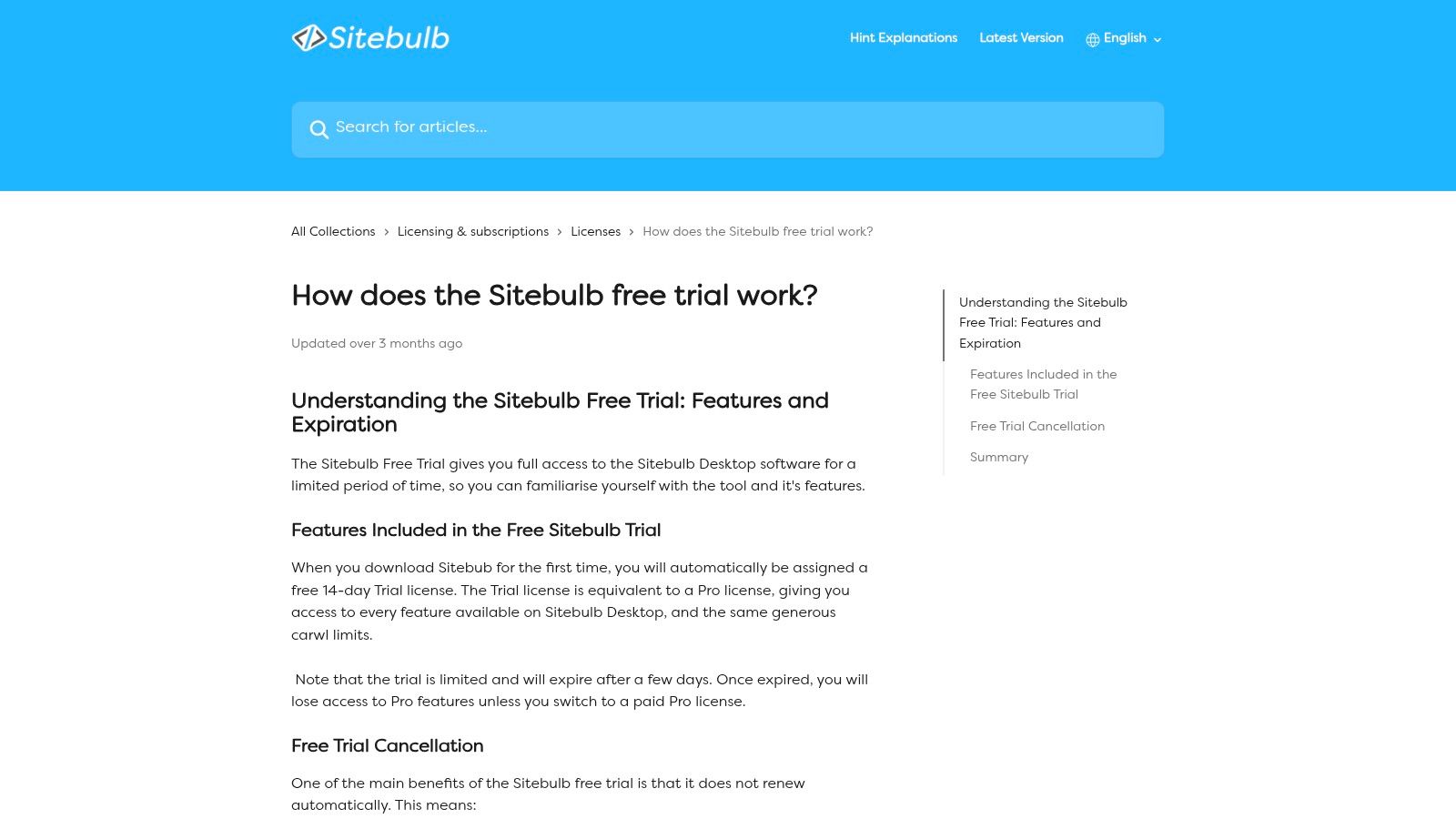
While many free SEO audit tools are web-based with limitations, Sitebulb offers a powerful desktop crawler with a full-featured 14-day free trial. This UK-built software is known for its visual reports and prioritised recommendations, making complex technical data understandable for business owners and marketing managers. The trial provides access to its Pro version, allowing for a deep audit without any initial cost.
What Makes It Essential?
Sitebulb translates raw crawl data into actionable insights through visualisations and clear explanations. Unlike purely data-driven tools, it provides "Hints" for each issue it finds, explaining what the problem is, why it matters, and how to fix it. This approach is useful for those who lack deep technical SEO expertise but need to identify and prioritise site improvements.
Key Takeaway: Sitebulb's free trial is one of the most comprehensive audit experiences available, perfect for a deep, one-off analysis. Its prioritisation system helps focus your efforts on fixes that will have the biggest impact.
Mini Audit Workflow: Visualising Site Structure
- Start a new project and enter your website's URL. Let the crawler run; for the trial, you can enable advanced features like JavaScript rendering for a more thorough analysis.
- Navigate to the 'Crawl Maps' report once the audit is complete. This section provides interactive visualisations of your internal linking structure.
- Analyse the visual map. A well-structured site should have a clear, logical flow from the homepage. Look for orphaned pages (disconnected dots) or sections that are too many clicks away from the homepage.
Pros:
- The free trial is fully featured, including JavaScript rendering and advanced analytics.
- Excellent data visualisations and plain-English "Hints" make it easy for non-experts to understand.
- No automatic renewal or credit card is required for the trial.
Cons:
- The free access is time-limited to 14 days; ongoing use requires a paid licence.
- Being a desktop application, it may be less convenient for remote teams compared to cloud-based tools.
8. Seobility – Free SEO Checker and Suite
Seobility offers a straightforward entry point into on-page analysis, making it a valuable free SEO audit tool for quick checks. Its main offering is a single-page SEO checker that audits a specific URL against best-practice factors, providing a simple score out of 100. This approach means you can get instant feedback on a page without creating an account.
What Makes It Essential?
Seobility translates complex on-page SEO elements into a digestible report card. For a business owner who isn't an SEO expert, this clarity is useful. It quickly highlights issues with meta titles, descriptions, page speed, and technical setup, grouping them by severity. While the free tool is limited to single-page checks, it provides a surprisingly detailed breakdown.
Key Takeaway: Seobility is perfect for rapid, page-level health checks. Its simple scoring system makes it easy to prioritise fixes without getting lost in jargon.
Mini Audit Workflow: Analyse a Key Service Page
- Navigate to the Seobility SEO Check tool. Enter the full URL of a high-priority page, such as your main service page.
- Review the overall SEO Score. Look at the main score and the sub-scores for Meta information, Page quality, and Structure. This gives you a high-level overview of where the biggest problems lie.
- Focus on the "Task List with Hints". This section provides actionable advice. Check for critical errors like missing meta descriptions or duplicate H1 tags, as these are often quick wins.
Pros:
- Extremely easy to use with no login required for single-page checks.
- The scoring system simplifies complex SEO data for non-technical users.
- Provides clear, actionable recommendations for on-page improvements.
Cons:
- The free version is limited to one URL at a time with a daily cap on checks.
- A comprehensive site-wide audit requires upgrading to a paid premium plan.
9. Ubersuggest – Site Audit (Free plan)
Ubersuggest offers a suite of SEO tools, and its free SEO audit tool is particularly well-suited for beginners. The Site Audit feature crawls your website and presents technical issues, page speed data, and an overall health score using simple, easy-to-understand language. It’s a good starting point for business owners new to the technical side of SEO.
What Makes It Essential?
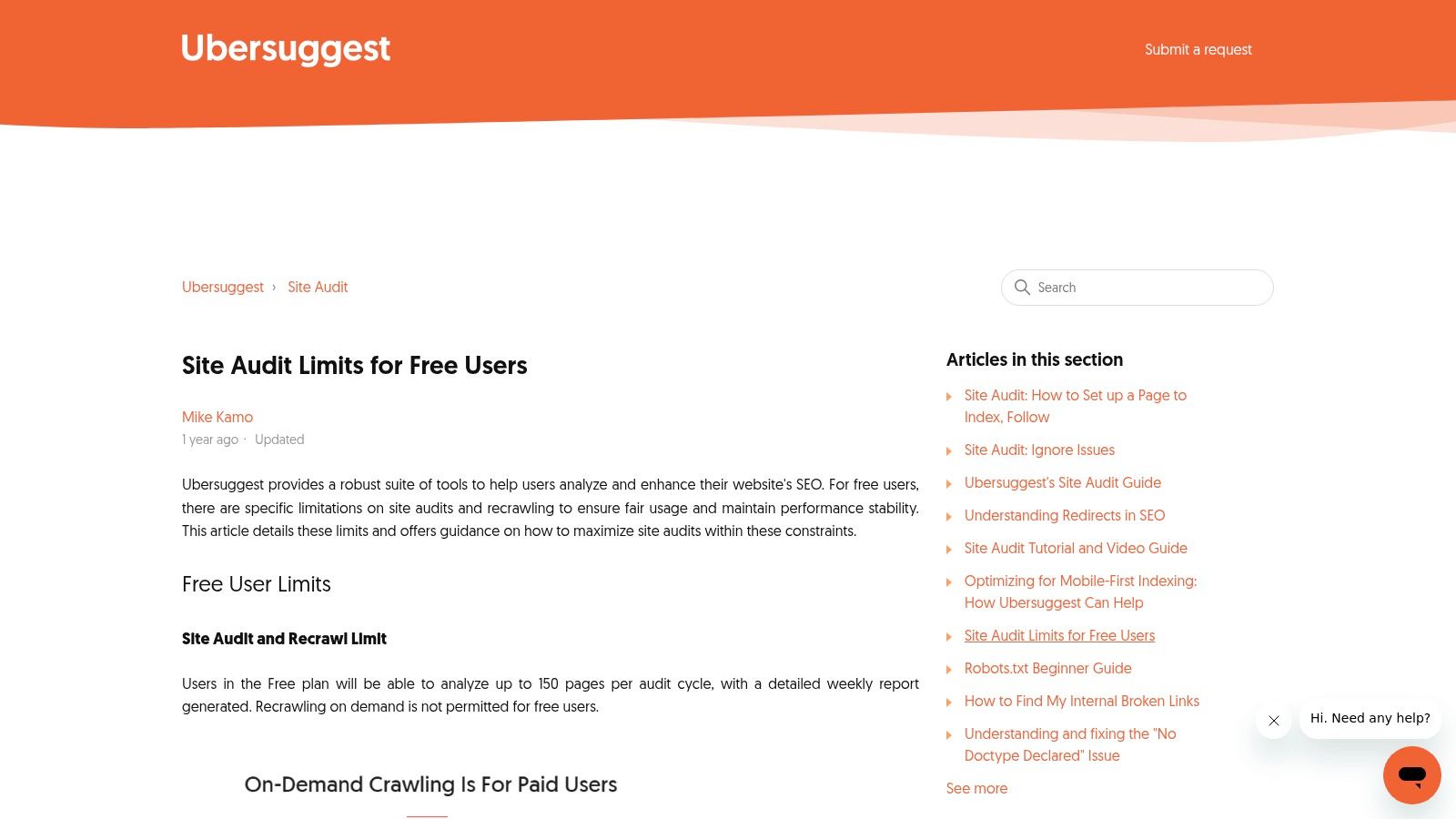
The standout feature of Ubersuggest's audit is its user-friendliness. Where other tools might present a list of errors with technical jargon, Ubersuggest explains the "what" and "why" behind each issue, along with steps on how to fix it. The free plan allows a weekly crawl of up to 150 pages, which is often sufficient for small local business websites.
Key Takeaway: Ubersuggest is ideal for a first-time audit. It explains technical SEO in a way that is accessible for marketing managers and business owners without a deep technical background.
Mini Audit Workflow: Finding Quick Technical Wins
- Sign up for a free account and add your website as a project. This will trigger the initial site audit.
- Navigate to the 'Site Audit' report. Review your overall 'On-Page SEO Score' and the number of 'Critical Errors' and 'Warnings'.
- Scroll down to the 'Top SEO Issues' section. Focus on the 'Critical Errors' first. Click on an issue, such as 'pages have a low word count', to see a list of affected URLs and a simple explanation of how to resolve the problem.
Pros:
- Extremely beginner-friendly interface with clear explanations.
- The free allowance of 150 pages per week is adequate for many small sites.
- Allows CSV export of audit results, even on the free plan.
Cons:
- Audits are scheduled weekly; you cannot trigger an on-demand recrawl on the free plan.
- The free version has tight daily limits on other tool functions, like keyword research.
10. Bing Webmaster Tools – Site Scan
While Google commands the largest share of search traffic, neglecting Bing means missing out on a valuable audience. Bing Webmaster Tools is Microsoft's answer to Google Search Console, providing another free SEO audit tool that offers first-party data. Its on-demand Site Scan feature makes it useful for quick technical health checks.
What Makes It Essential?
Bing Webmaster Tools provides a second opinion on your website's SEO health. Its Site Scan tool is a simple on-demand crawler that checks your site for common technical SEO issues, presenting them in a clear report. For businesses already using GSC, Bing makes setup easy by allowing you to import your site verification.
Key Takeaway: Using Bing Webmaster Tools is a low-effort way to ensure your site is optimised for search engines beyond Google, providing a different perspective on potential technical problems.
Mini Audit Workflow: Run an On-Demand Scan
- Navigate to 'Site Scan' under the 'SEO' section. This is the dedicated on-demand audit tool.
- Click 'Start new scan' and configure the settings. You can limit the crawl depth and maximum pages to get a quick overview.
- Analyse the scan results. The report will highlight issues categorised by severity, such as pages with missing meta descriptions or multiple H1 tags.
Pros:
- A completely free, first-party view of how Bing indexes your website.
- The 'Import from GSC' feature simplifies the verification and setup process.
- The on-demand Site Scan is a straightforward way to identify common SEO errors.
Cons:
- The scan can sometimes be blocked by security rules unless you whitelist Bing's crawler.
- It is focused on Bing's perspective, so it should complement, not replace, Google-focused tools.
11. GTmetrix
Technical SEO is not just about crawlers; page speed is a critical ranking factor and a core part of the user experience. GTmetrix is one of the most well-regarded free SEO audit tools dedicated specifically to analysing website performance. It uses Google's Lighthouse data to generate detailed reports on how quickly your pages load and where bottlenecks are occurring.
What Makes It Essential?
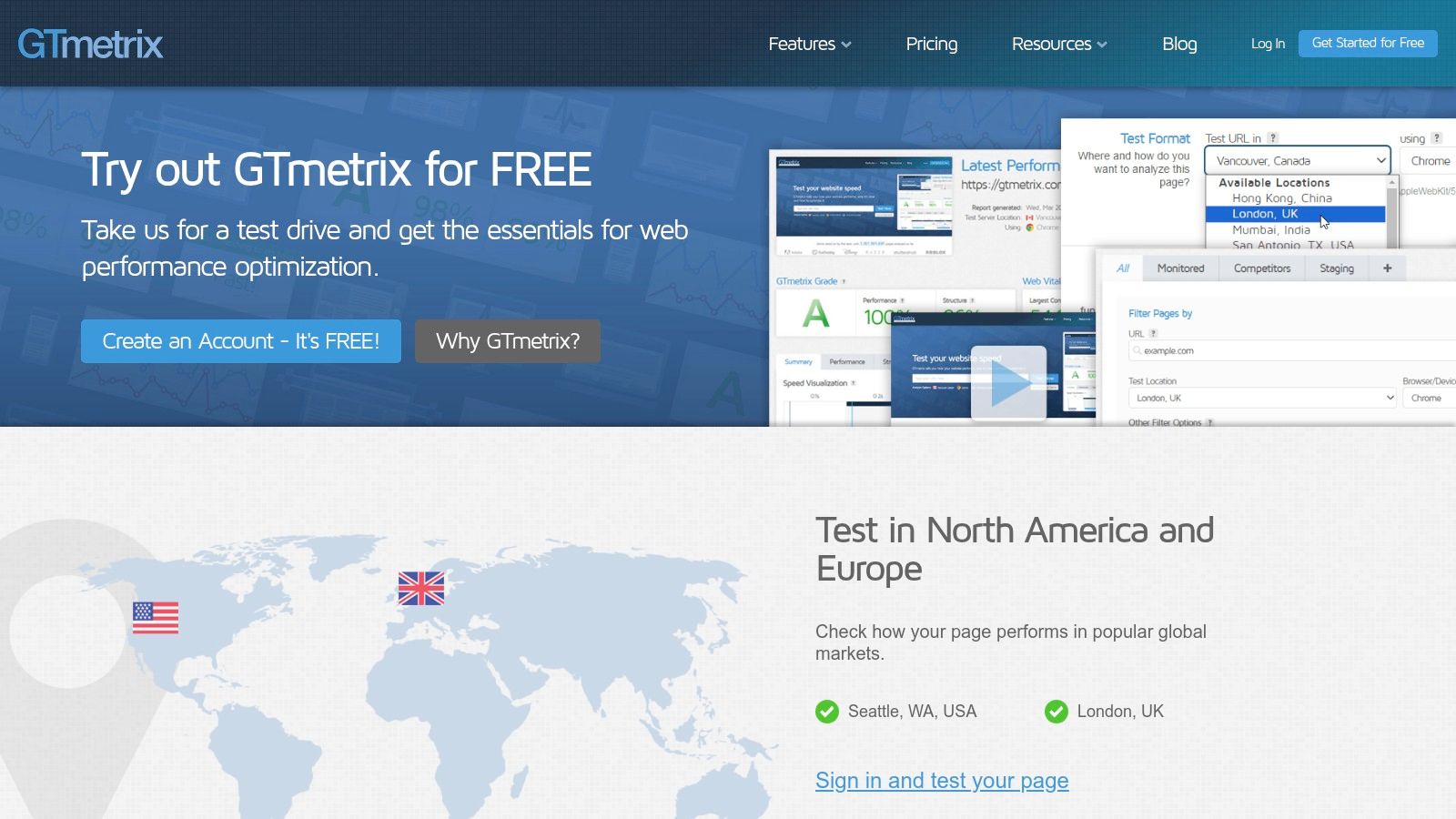
GTmetrix translates complex performance metrics into actionable insights. While it only analyses one URL at a time, it provides a deep dive into that page’s loading process. This includes a visual filmstrip of the loading sequence and a detailed waterfall chart showing every request. For UK businesses, the ability to test from a London server on the free plan provides a more accurate picture of local user experience.
Key Takeaway: GTmetrix is the go-to tool for a detailed, one-page performance diagnosis. Its visual reports make it easy to identify specific elements, like large images or slow scripts, that are hurting your site's speed.
Mini Audit Workflow: Pinpoint Page Speed Issues
- Enter your homepage URL on the GTmetrix site and run the test. Ensure the test server is set to London, UK, for the most relevant results.
- Focus on the 'Summary' tab. Look at the GTmetrix Grade, Web Vitals, and the 'Top Issues' section for a high-level overview of what needs fixing first.
- Switch to the 'Waterfall' tab. Sort the chart by file size or loading time to find the largest and slowest assets. These are often unoptimised images or third-party scripts.
Pros:
- Excellent visualisations (filmstrip, waterfall chart) help diagnose issues.
- Provides actionable recommendations based on Google Lighthouse data.
- London test location on the free plan is great for UK businesses.
Cons:
- It's a single-URL tool, not a site-wide crawler.
- Free accounts have a limited number of tests and test locations.
12. HubSpot Website Grader
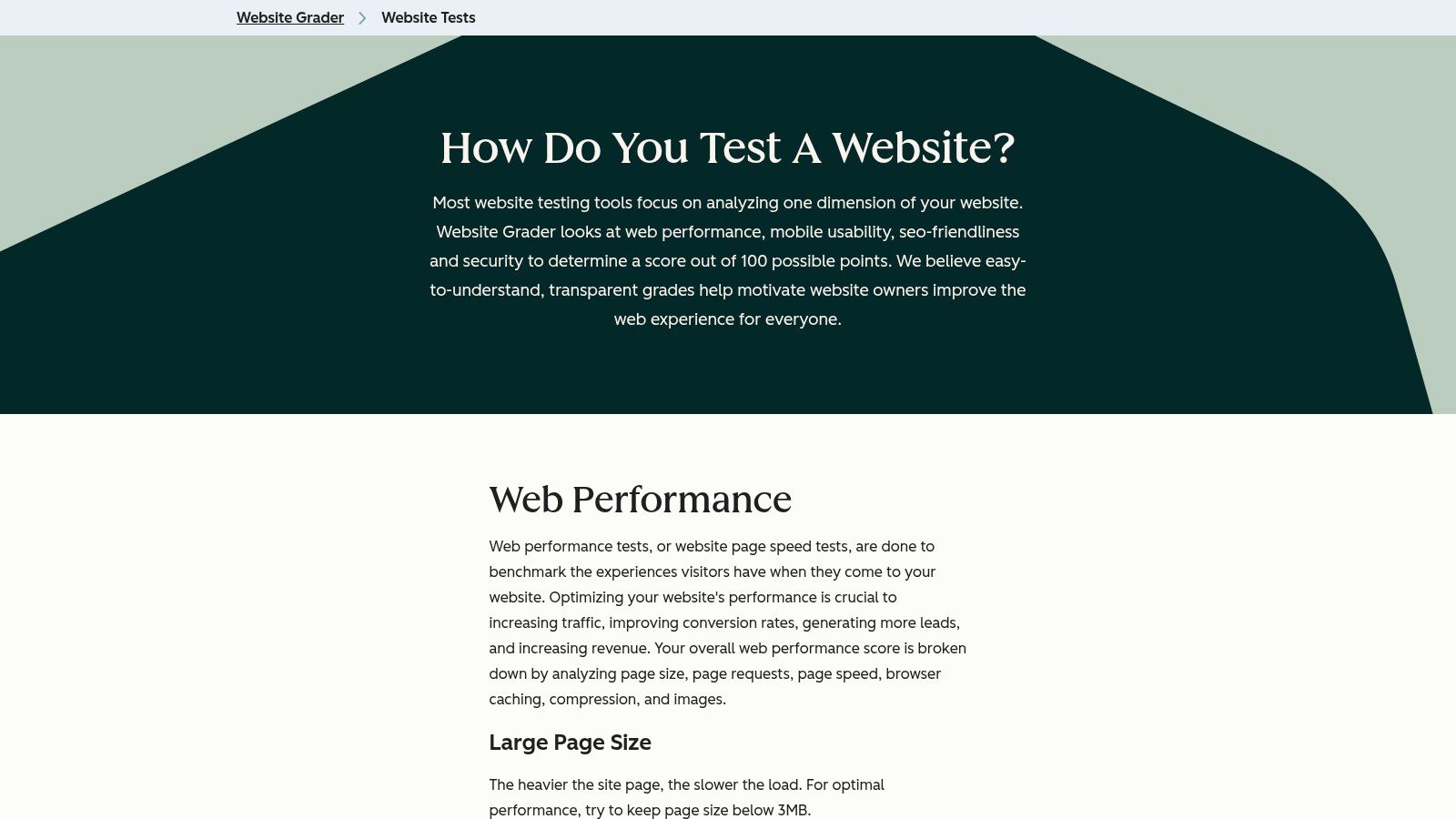
For business owners who need a quick, easy-to-understand health check, HubSpot’s Website Grader is a good starting point. It's less of a technical deep-dive and more of a high-level report card. You enter a URL and your email to get a score out of 100, broken down into four key areas: performance, mobile-friendliness, SEO, and security. It translates technical jargon into plain English.
What Makes It Essential?
Its primary strength is its simplicity and clarity. While other free SEO audit tools provide a wealth of data that can be overwhelming, HubSpot focuses on delivering actionable recommendations in a checklist format. This makes it ideal for SMEs who want a quick snapshot of their digital presence without getting lost in complex metrics.
Key Takeaway: HubSpot Website Grader excels at simplifying SEO into a single score and an actionable checklist, making it the best tool for a quick review or for explaining website issues to a non-expert.
Mini Audit Workflow: Get Your High-Level Scorecard
- Go to the HubSpot Website Grader and enter your website’s homepage URL and your business email address.
- Review your overall score out of 100. This gives you an immediate benchmark of your site’s health.
- Analyse the four sections: Performance, SEO, Mobile, and Security. Pay close attention to the recommendations in each category, such as ‘Image size’ or ‘Page redirects’.
Pros:
- Extremely simple interface, providing an easy-to-digest report.
- The results are shareable and easy to explain to clients or team members.
- No account is needed, making it one of the quickest tools to use.
Cons:
- It only analyses a single page, not your entire website.
- Lacks the granular detail and crawling depth of more specialised SEO tools.
Top 12 Free SEO Audit Tools — Feature Comparison
| Service / Tool | Core offering | Key features ✨ | Quality ★ | Value 💰 | Target audience 👥 |
|---|---|---|---|---|---|
| 🏆 Little Green Agency | Full‑service SEO & digital marketing (technical SEO, content, PPC, web design) | ✨ Contract‑free packages; free SEO audit; dedicated SEO consultant; local Midlands expertise | ★★★★ | 💰 Fair, tailored quotes (custom pricing) | 👥 SMEs in Leicester & Midlands; hospitality, ecommerce, local services |
| Google Search Console (GSC) | Google indexing & search performance platform | ✨ Index Coverage, URL Inspection, sitemaps, Core Web Vitals | ★★★★★ | 💰 Free | 👥 SEOs, developers, site owners |
| PageSpeed Insights (PSI) | Page performance audits (Lighthouse + CrUX) | ✨ LCP/CLS/INP, lab + field data, API | ★★★★ | 💰 Free (single‑URL) | 👥 Developers, performance SEOs |
| Ahrefs Webmaster Tools (AWT) | Free site audit + limited Site Explorer | ✨ 170+ checks, 5k crawl credits/month, health score | ★★★★ | 💰 Free for verified sites; paid upgrade available | 👥 SEOs, site owners needing audits |
| Semrush Site Audit (Free limits) | Site auditing within large SEO suite | ✨ Thematic reports, health score, 100 pages/month free | ★★★★ | 💰 Free trial/limits; subscription for full features | 👥 Agencies, growth teams, competitive research |
| Screaming Frog SEO Spider | Desktop technical crawler | ✨ 500 URL free crawl, detailed exports, JS rendering (paid) | ★★★★★ | 💰 Free tier; paid licence for unlimited & integrations | 👥 Technical SEOs, agency auditors |
| Sitebulb | Visual auditing software (desktop/cloud) | ✨ Visualisations, prioritized hints, 14‑day Pro trial | ★★★★ | 💰 Trial full‑featured; paid licences for ongoing use | 👥 Agencies, stakeholders needing clear visuals |
| Seobility – Free SEO Checker | On‑page checker + suite | ✨ 200+ checks, simple SEO score, daily free quota | ★★★ | 💰 Free per‑URL; paid plans for site audits | 👥 Small sites, beginners, marketers |
| Ubersuggest – Site Audit | Beginner‑friendly SEO toolset | ✨ 150 pages/week audit, guided fixes, CSV export | ★★★ | 💰 Free tier with limits; paid tiers expand limits | 👥 Small businesses, beginners |
| Bing Webmaster Tools – Site Scan | Bing webmaster suite & site scanner | ✨ On‑demand Site Scan, URL inspection, GSC import | ★★★ | 💰 Free | 👥 SEOs targeting Bing, site owners |
| GTmetrix | Performance testing with waterfall & video | ✨ Lighthouse metrics, filmstrip/video, London node, monitors | ★★★★ | 💰 Free quota; paid plans for more tests | 👥 Developers, performance‑focused SEOs |
| HubSpot Website Grader | High‑level single‑URL grader | ✨ Performance/mobile/SEO/security grades, plain‑English checklist | ★★★ | 💰 Free | 👥 Marketing teams, non‑technical stakeholders |
From Data to Decisions: Turning Your SEO Audit into Action
You have now been introduced to a powerful range of free SEO audit tools, from the indispensable Google Search Console to comprehensive crawlers like Screaming Frog. With this knowledge, you can uncover data about your website’s performance, identifying everything from technical errors and content gaps to opportunities for on-page optimisation.
However, a detailed report is useless if it just sits in your inbox. Data doesn't generate leads or sales; informed action does. The real challenge is translating these diagnostics into a prioritised action plan. The volume of information can feel overwhelming, but the key is to start small and focus on what matters for your business.
Your First Steps: From Audit to Action Plan
Before you dive into complex fixes, it's important to organise your findings. Not all issues carry the same weight, and your time is best spent on fixes that deliver the most significant impact.
Here is a practical framework for getting started:
Consolidate and Categorise: After running checks with a few different free SEO audit tools, gather all your findings. Group similar issues together. Your categories might include:
- Critical Technical Errors: Things like 404 errors, server issues, or indexing problems flagged in Google Search Console.
- On-Page SEO: Missing title tags, duplicate meta descriptions, or thin content identified by tools like Seobility or Semrush.
- Site Speed: Slow-loading pages and large image files highlighted by PageSpeed Insights or GTmetrix.
- Backlink Profile: Initial insights from Ahrefs Webmaster Tools that might reveal poor quality links.
Prioritise with Impact vs. Effort: Create a simple priority matrix. For each issue, estimate the potential impact on your SEO and user experience (High, Medium, Low) and the effort required to fix it (High, Medium, Low).
- Start with the Quick Wins: Focus on High-Impact, Low-Effort tasks first. This could be as simple as optimising the title tag on your most important service page or compressing oversized images on your homepage.
- Schedule Major Projects: High-Impact, High-Effort tasks, such as a site structure overhaul or a major content project, will need to be planned.
- Address the Essentials: Critical errors (like your site not being indexed) should always be top of the list, regardless of effort.
Choosing the Right Tool for Your Business
As a local business owner, your needs are specific. You're not just competing on a national scale; you're competing for local attention.
- For a local pub or restaurant, your priority is local visibility. Start with Google Search Console to ensure your site is mobile-friendly and error-free.
- For an e-commerce store using Shopify, site speed is paramount. PageSpeed Insights and GTmetrix will help you ensure a fast checkout process.
- For a professional services firm, demonstrating expertise is key. Use tools like Ahrefs Webmaster Tools to analyse which pages are attracting links and Screaming Frog to find opportunities for internal linking.
The journey of SEO is a marathon, not a sprint. Consistently using these free SEO audit tools to find and fix one or two issues each week will compound over time, leading to sustained improvements in your rankings and traffic.
Feeling overwhelmed by the data or unsure which fixes will move the needle for your business? We combine the power of these tools with over 20 years of marketing experience to create a clear, actionable strategy tailored to your goals. Contact Little Green Agency for a free, no-obligation audit, and let us help you turn those insights into tangible growth.
