





As a small business owner, you understand the importance of being visible online. Search Engine Optimisation (SEO) is key to attracting customers, but navigating the array of software can be difficult. Finding the right tools for your specific needs, whether you run a local shop, an e-commerce store, or a professional services firm, is crucial for growth. Wasting time and money on overly complex or unsuitable platforms is a common pitfall.
This guide is designed to provide clarity. We offer a practical roundup of the best SEO tools for small business success. With over 20 years of digital marketing experience, we’ve used these platforms extensively and understand what works for SMEs. Forget generic feature lists; we provide an honest assessment of what each tool can achieve for your business.
Inside this guide, you will find:
- Categorised Breakdowns: Tools organised by function, including local SEO, rank tracking, content creation, and technical analysis.
- Clear Recommendations: Top picks for different budgets, from effective free options to premium all-in-one suites.
- Practical Insights: Details on pros, cons, and specific use-case scenarios for businesses like yours. We’ve included direct links and screenshots for every tool mentioned.
Our goal is to help you build an effective and affordable SEO toolkit, enabling you to attract more qualified leads and grow your business through your website. Let’s explore the options that will deliver tangible results.
1. Semrush
Semrush is a comprehensive digital marketing platform, making it one of the best SEO tools for small business owners who want a single login for most tasks. It excels at providing a complete view of your online visibility, from tracking your keyword rankings to analysing your competitors’ backlink profiles.
For a local business, its Site Audit tool is invaluable for uncovering technical issues that could hinder your Google Business Profile performance. The Position Tracking feature lets you monitor specific keywords, including those in the local map pack, so you can see how your optimisation efforts are performing. While it has a steeper learning curve than simpler tools, its power lies in this breadth of data. You can research what content your local competitors are ranking for, find gaps in their strategy, and build your own content plan within the same interface. For a more detailed breakdown of its keyword capabilities, you can explore some of the best keyword research tools available.
Key Considerations
| Aspect | Details |
|---|---|
| Best For | SMEs and agencies wanting a unified, scalable platform for all SEO and marketing tasks. |
| Pricing | Starts from around £100/month. Add-ons like Semrush Local cost extra. |
| Pros | Enormous feature set under one roof; excellent competitive analysis; scalable as your business grows. |
| Cons | Can be expensive for a small business just starting out; the number of features may be overwhelming initially. |
Practical Tip: Start with the Site Audit and Position Tracking tools. Fix the critical errors flagged in the audit and set up tracking for your top 10-20 commercial keywords to get immediate, actionable insights without getting lost in the platform.
Website: https://www.semrush.com
2. Ahrefs
Ahrefs is a powerful SEO platform, known for having one of the most robust backlink databases available. This makes it one of the best SEO tools for small business owners who need to understand not just their own site, but how their local competitors are earning authority and traffic. It excels at competitive intelligence, giving you a clear picture of who links to your rivals and why.
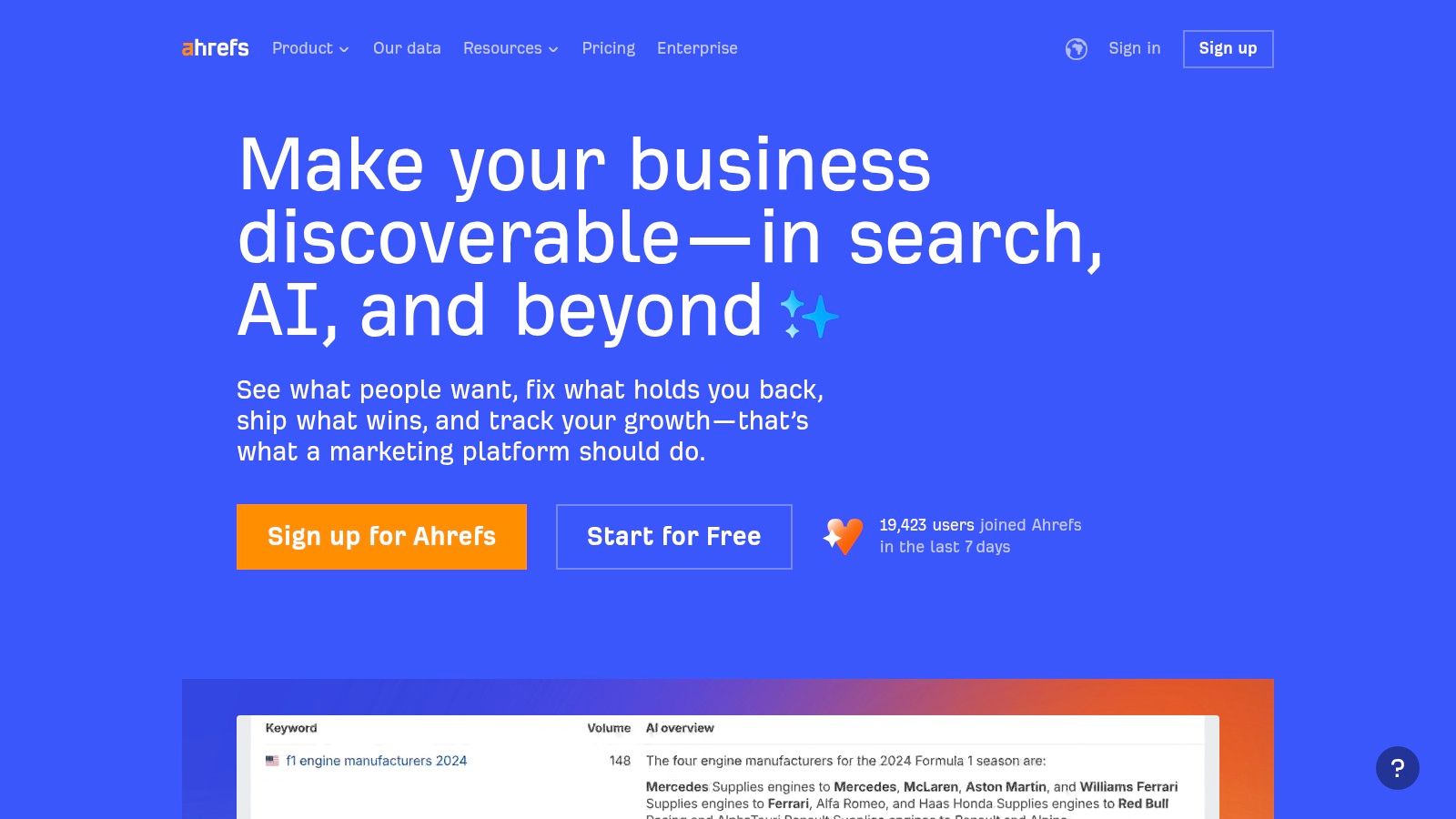
For a local business, Ahrefs’ Keywords Explorer is useful for uncovering what potential customers are searching for, complete with keyword difficulty scores to help you prioritise your efforts. The Site Explorer tool allows you to enter a competitor’s website and see their top-performing pages and the keywords they rank for. While its primary strength lies in its link data, its Site Audit tool is also a formidable feature for identifying technical SEO issues that could be holding your website back in local search results.
Key Considerations
| Aspect | Details |
|---|---|
| Best For | Businesses heavily focused on link building and deep competitive analysis. |
| Pricing | Paid plans start from around £80/month. A free Ahrefs Webmaster Tools (AWT) account is available with limited features. |
| Pros | Industry-leading backlink analysis; excellent keyword and content research tools; a generous free tier for site owners. |
| Cons | Can become expensive as you need more features or higher data limits; daily rank tracking often costs extra. |
Practical Tip: Sign up for the free Ahrefs Webmaster Tools (AWT) and run a Site Audit. This gives you a complete technical health check of your own website at no cost. Then, use the limited Site Explorer access to analyse your top one or two local competitors to identify their most valuable backlinks and content pages.
Website: https://ahrefs.com
3. Moz Pro
Moz Pro is a long-standing and respected SEO suite that strikes a good balance between powerful features and user-friendliness. It’s a solid choice for small business owners who want a comprehensive toolset without the overwhelming complexity of some enterprise-level platforms. Its strengths lie in providing clear, actionable data on keywords, link building, and on-page optimisation.
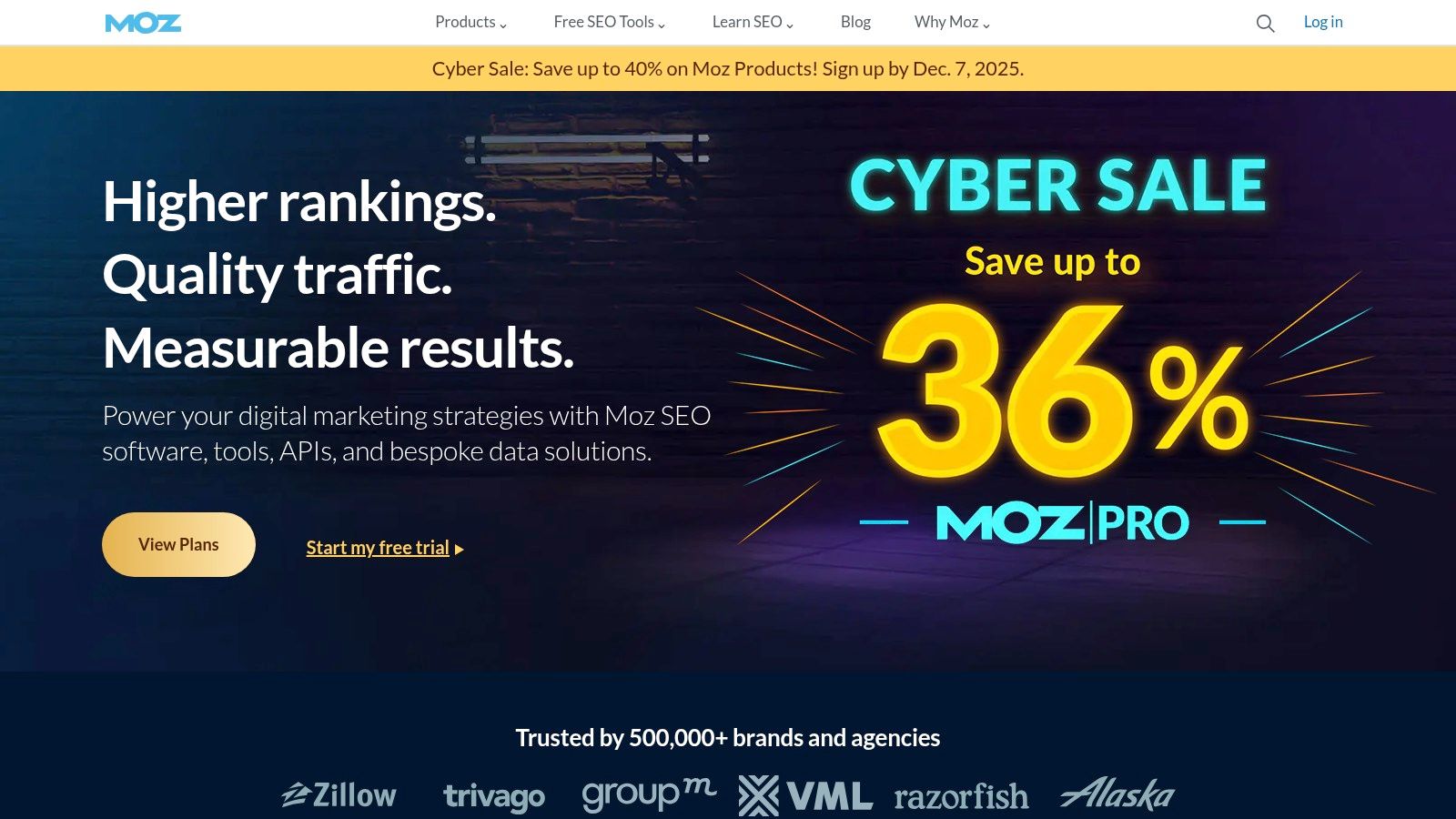
For a local business, its Keyword Explorer is useful for identifying local search terms and assessing their difficulty. The Link Explorer provides a solid analysis of your backlink profile, helping you understand who links to you and find new opportunities. What makes Moz particularly approachable is its wealth of learning resources and a supportive community, which is ideal for marketing managers who are still building their technical expertise. It provides the core data you need in an easy-to-digest format.
Key Considerations
| Aspect | Details |
|---|---|
| Best For | Small businesses and marketing teams needing a balanced, accessible all-in-one SEO tool. |
| Pricing | Plans start from around £79/month when billed annually. A free 30-day trial is available. |
| Pros | User-friendly interface; balanced feature set for core SEO tasks; helpful learning materials and community. |
| Cons | Backlink index can be smaller than direct competitors; higher-tier plans are needed for branded reports and full API access. |
Practical Tip: Use the free MozBar browser extension alongside your Pro account. It gives you instant on-page SEO metrics and Domain Authority scores for any website you visit, making competitor research quick and efficient as you browse the web.
Website: https://moz.com
4. Screaming Frog SEO Spider
Screaming Frog SEO Spider is a powerful, UK-made desktop application that crawls your website just like a search engine would. It’s an essential tool for technical SEO, allowing small businesses to uncover critical issues like broken links, redirect chains, and duplicate content that can harm your rankings. Unlike all-in-one platforms, its sole focus is on providing a detailed technical audit of your website’s health.
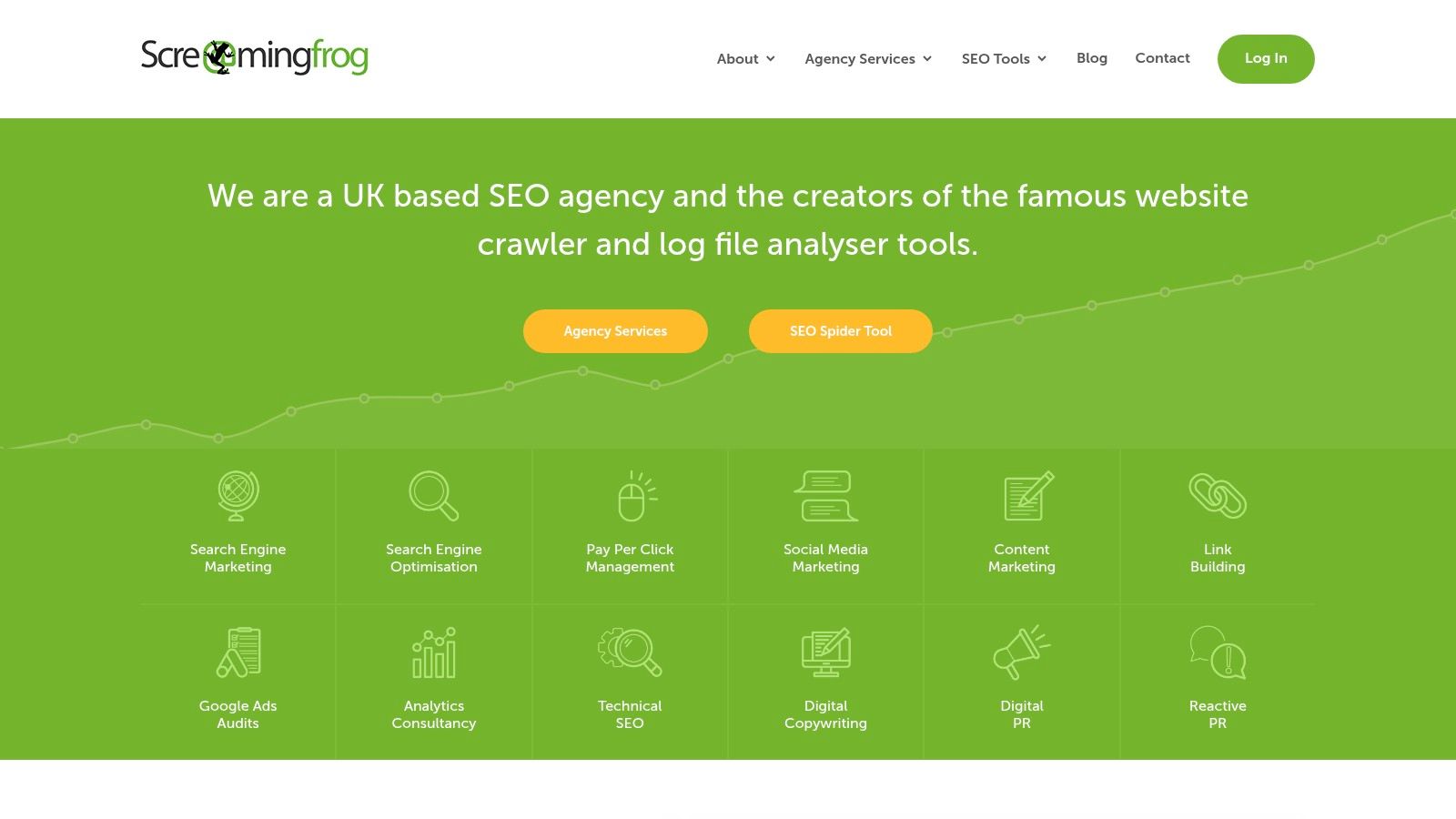
For a local business, this means you can quickly check if your page titles are optimised, find pages with thin content, or analyse your internal linking structure to ensure important service pages are getting the authority they deserve. By integrating with Google Analytics and Search Console, you can overlay crawl data with user metrics, providing a comprehensive view of which technical problems are impacting performance. It’s a foundational tool that helps ensure your website is technically sound before you invest in content or link building. It’s one of the most respected names in the industry and is featured on our list of the top free SEO audit tools.
Key Considerations
| Aspect | Details |
|---|---|
| Best For | Business owners and marketers who want to perform in-depth technical SEO audits without a recurring subscription. |
| Pricing | Free version crawls up to 500 URLs. The paid licence is £259/year for unlimited crawling and advanced features. |
| Pros | Extremely cost-effective for deep technical analysis; data is processed locally on your machine for speed and privacy; it is an industry-standard tool. |
| Cons | Requires a reasonably powerful computer for very large websites; it’s a specialist tool and lacks keyword research or competitor analysis features. |
Practical Tip: Run a crawl using the free version. Go to the ‘Page Titles’ tab and filter for any that are missing, duplicated, or over 60 characters. Fixing these is a quick and effective SEO win for any small business website.
Website: https://www.screamingfrog.co.uk
5. SE Ranking
SE Ranking positions itself as a powerful, full-stack SEO platform tailored for SMEs and agencies, offering a great balance of features and affordability. It provides a comprehensive toolkit covering everything from daily rank tracking and in-depth site audits to competitor research and backlink monitoring, making it one of the best SEO tools for small business owners who need robust data without an enterprise-level price tag.
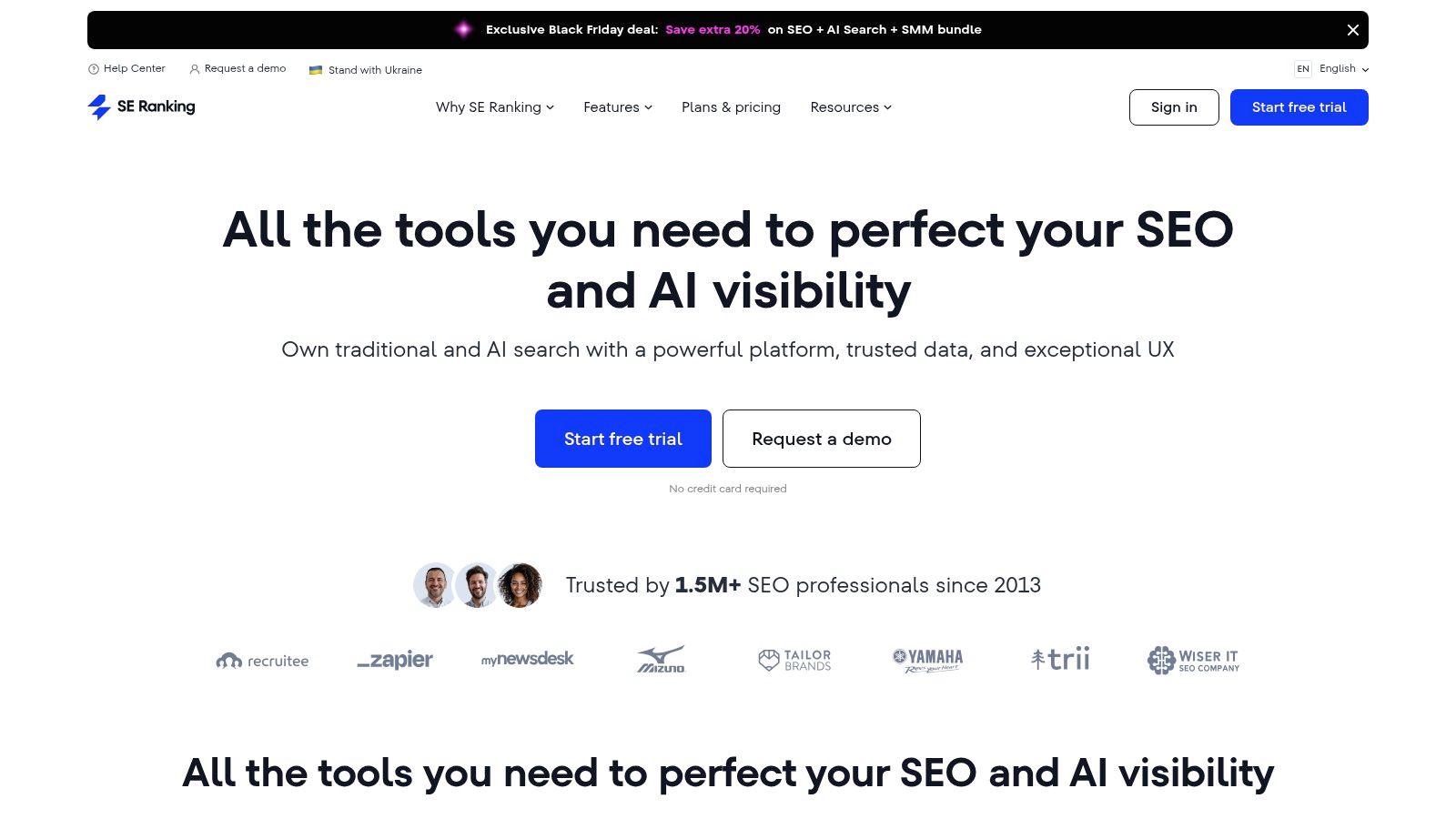
For a local business, its highly accurate keyword rank tracker is excellent for monitoring your positions in specific postcodes. A standout quality is its flexibility; you can build a plan that suits your exact needs, avoiding paying for features you won’t use. The platform also offers a clear and straightforward interface, making it less intimidating than some of its larger competitors. For those moving from other tools, SE Ranking provides easy migration options. Its combination of granular local tracking, a user-friendly On-Page SEO Checker, and scalable pricing makes it a superb all-in-one choice for growing businesses.
Key Considerations
| Aspect | Details |
|---|---|
| Best For | Small businesses and agencies needing a cost-effective, all-in-one platform with flexible limits. |
| Pricing | Starts from around £44/month, with customisable plans based on keyword tracking frequency. |
| Pros | Excellent value for money; scalable plans suit growing businesses; user-friendly interface and easy migration from other tools. |
| Cons | Its backlink and keyword datasets can be smaller than top-tier competitors; some advanced reports require a learning curve. |
Practical Tip: Use the On-Page SEO Checker for your most important service or product pages. It provides a simple, actionable checklist of optimisations you can implement immediately to improve that page’s ranking potential for its target keyword.
Website: https://seranking.com
6. Ubersuggest (Neil Patel)
Ubersuggest is a budget-friendly toolkit aimed at beginners, sole traders, and small businesses needing an accessible entry point into SEO. It simplifies core tasks like keyword research and site health checks, making it one of the best SEO tools for small business owners who find more comprehensive platforms too complex or costly.
Its strength lies in its straightforward user interface, which presents data in a clean, easily digestible format. For a local service business, the Keyword Ideas feature can quickly reveal long-tail queries like “emergency plumber in Oadby,” while the Site Audit tool offers simple, actionable recommendations to fix on-page issues. The platform’s Rank Tracking provides daily updates, helping you monitor your visibility for crucial local search terms without a significant monthly investment. While it lacks the data depth of enterprise-level tools, it provides enough insight to get a foundational SEO strategy off the ground.
Key Considerations
| Aspect | Details |
|---|---|
| Best For | Start-ups, bloggers, and small businesses seeking an affordable, easy-to-use SEO tool. |
| Pricing | Starts from around £29/month. Historically offered lifetime deals, so check for current promotions. |
| Pros | Very low entry price; simple, beginner-friendly interface; offers a limited free version and trial. |
| Cons | Data sets are smaller and less comprehensive than premium competitors; lifetime deal availability can vary. |
Practical Tip: Use the “Keywords by Traffic” report to see which pages on your top three local competitors’ sites drive the most organic traffic. This is a quick way to identify their most successful content and keyword strategies to inform your own.
Website: https://neilpatel.com/ubersuggest/
7. Surfer
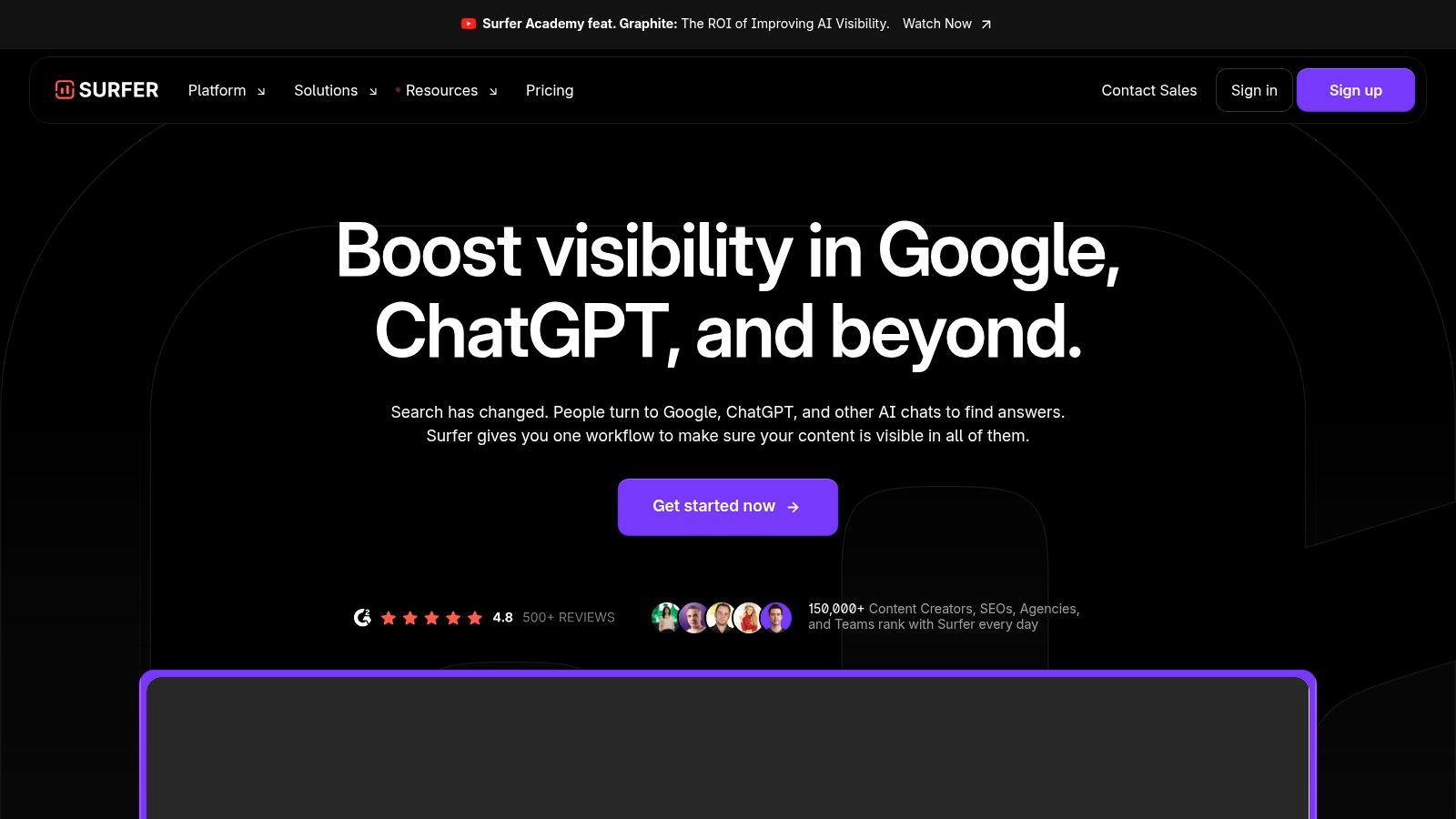
Surfer is a specialised content optimisation tool designed to help you write articles and landing pages that Google is more likely to rank. Rather than focusing on technical or off-page SEO, it analyses the top-ranking search results for your target keyword and provides a data-driven blueprint for creating your own content. It’s one of the best SEO tools for small business owners who want to take the guesswork out of their content marketing and on-page SEO.
For a local services business, this means you can audit an existing service page (e.g., “plumbers in Leicester”) and see which terms, headings, and topics you need to include to compete. The Content Editor provides a real-time score as you write, guiding you to produce comprehensive content that satisfies user intent. By integrating directly with Google Docs or WordPress, it streamlines the writing and publishing process.
Key Considerations
| Aspect | Details |
|---|---|
| Best For | Businesses heavily focused on content marketing and improving on-page SEO. |
| Pricing | Plans start from around £50/month, with higher tiers for more content credits and features. |
| Pros | Excellent for data-driven content creation; intuitive interface and workflow integrations; strong educational resources. |
| Cons | Not a complete SEO suite (lacks backlink/technical tools); AI features and higher usage limits can increase the cost significantly. |
Practical Tip: Use the Audit tool on your most important, underperforming service or product page first. Implement the top 5-10 recommendations for keyword usage and structural changes to see a tangible impact before committing to creating new content from scratch.
Website: https://surferseo.com
8. Yoast SEO
For any small business running on WordPress or Shopify, Yoast SEO is a foundational plugin that helps with on-page optimisation. It acts as an interactive checklist within your content editor, making it one of the best SEO tools for small business owners who are not technical experts. It provides real-time feedback on factors like keyword usage, meta description length, and internal linking, using a simple traffic light system to guide you.
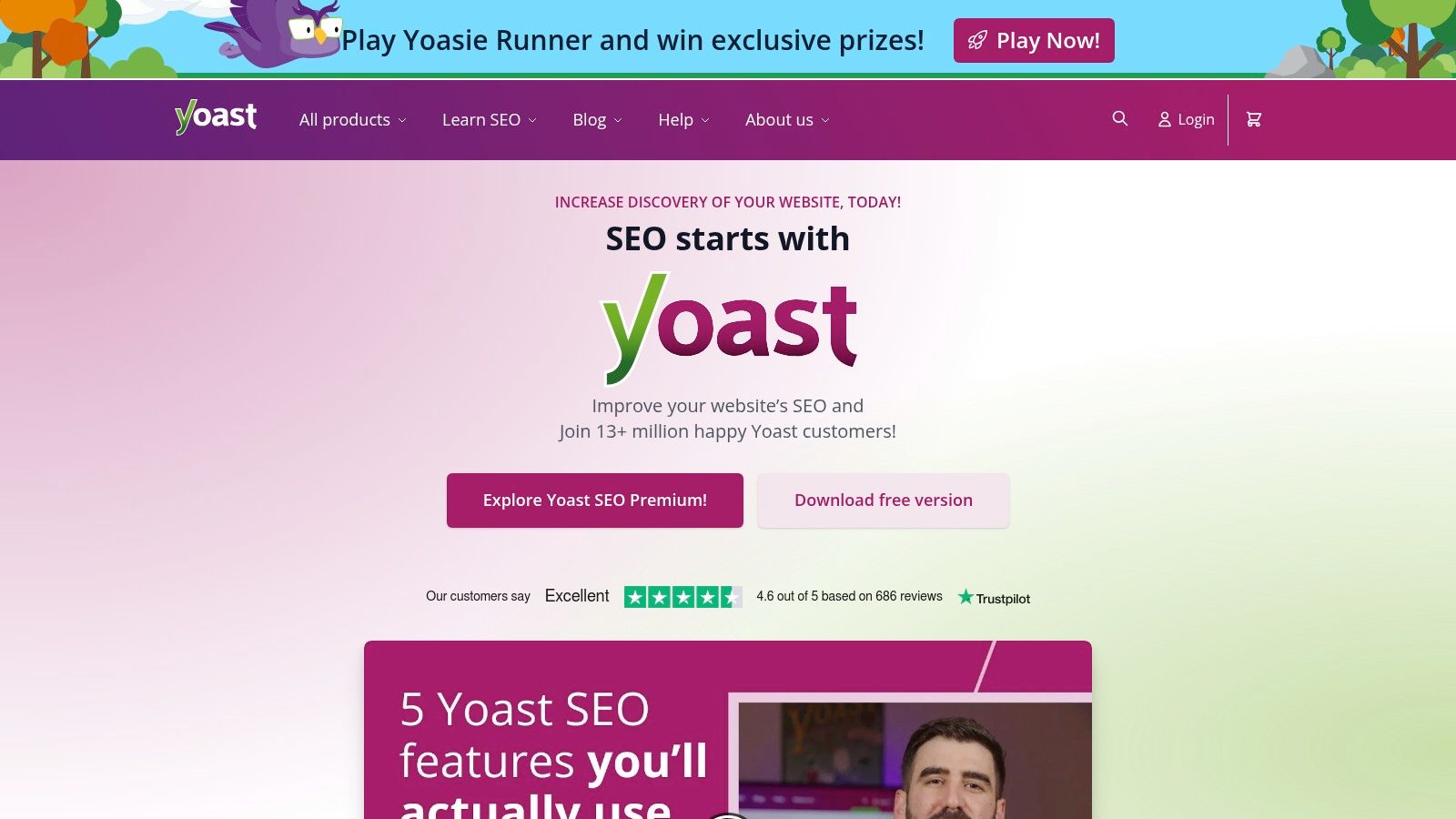
Its biggest strength for a local business is its ability to automatically generate structured data (schema markup). This helps search engines understand that your content is about a local business, event, or product, increasing your chances of appearing in rich results. The premium version unlocks features like a redirect manager to fix broken links and AI tools to help generate titles and descriptions. While it doesn’t perform keyword research or track your rankings, it excels at ensuring the content you create is optimised from the moment you hit “publish”.
Key Considerations
| Aspect | Details |
|---|---|
| Best For | WordPress and Shopify users needing straightforward, real-time on-page SEO guidance. |
| Pricing | A free version offers core functionality. Premium is around £99 + VAT per year, per site. |
| Pros | Makes on-page SEO accessible for non-technical users; excellent structured data implementation; Premium includes extensive training. |
| Cons | It’s not a complete SEO suite (no keyword research or rank tracking); Premium licence is per website, which can get costly for multiple sites. |
Practical Tip: Use the free version on every page and post. Focus on getting a “green light” for both SEO and Readability. Pay close attention to its internal linking suggestions to help build a strong site structure and pass authority between your pages.
Website: https://yoast.com
9. Rank Math
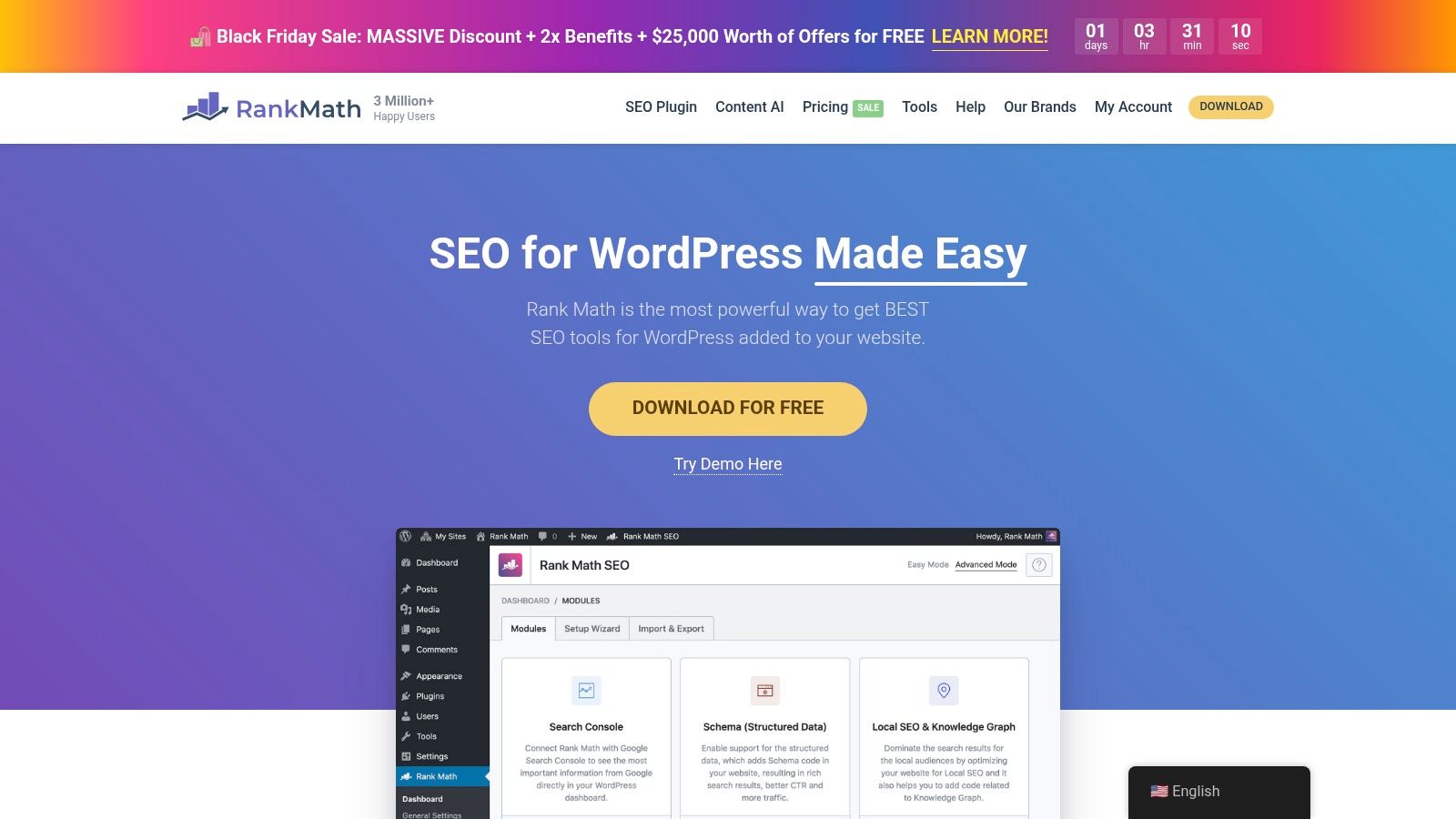
Rank Math has become a dominant force in the WordPress SEO plugin space, offering an impressive suite of on-page optimisation tools directly within your dashboard. For a small business using WordPress, it stands out as one of the best SEO tools for small business owners who need powerful features without a hefty subscription fee. It simplifies complex tasks like adding Schema markup (structured data) for local businesses, articles, and products, helping your website communicate more effectively with search engines.
It directly competes with other SEO plugins by including features like rank tracking and a comprehensive schema builder, which are often premium add-ons elsewhere. Its Content AI helps you optimise your posts and pages by suggesting keywords and improvements based on what’s already ranking. This integration is particularly useful for bloggers or service businesses looking to create content that performs well locally without needing to switch between different tools.
Key Considerations
| Aspect | Details |
|---|---|
| Best For | WordPress users, from bloggers to multi-site agencies, who want a feature-rich, integrated on-page SEO solution. |
| Pricing | A generous free version is available. Pro plans with more features and credits start from around £50/year. |
| Pros | Excellent value, especially for multi-site owners; built-in rank tracking and advanced schema support; active development and support resources. |
| Cons | The sheer number of features can be overwhelming for beginners; licensing rules for client vs personal sites need careful review before purchase. |
Practical Tip: Use the Setup Wizard to configure the basics, then enable the Local SEO module. Fill out your business details accurately, including your address and opening hours, to automatically generate the correct local business Schema markup for your site.
Website: https://rankmath.com
10. BrightLocal
BrightLocal is a specialist platform focused on local SEO, making it one of the best SEO tools for small business owners who depend on their visibility in a specific geographic area. Headquartered in the UK, it provides a practical toolkit designed to manage and improve how your business appears in local search results.
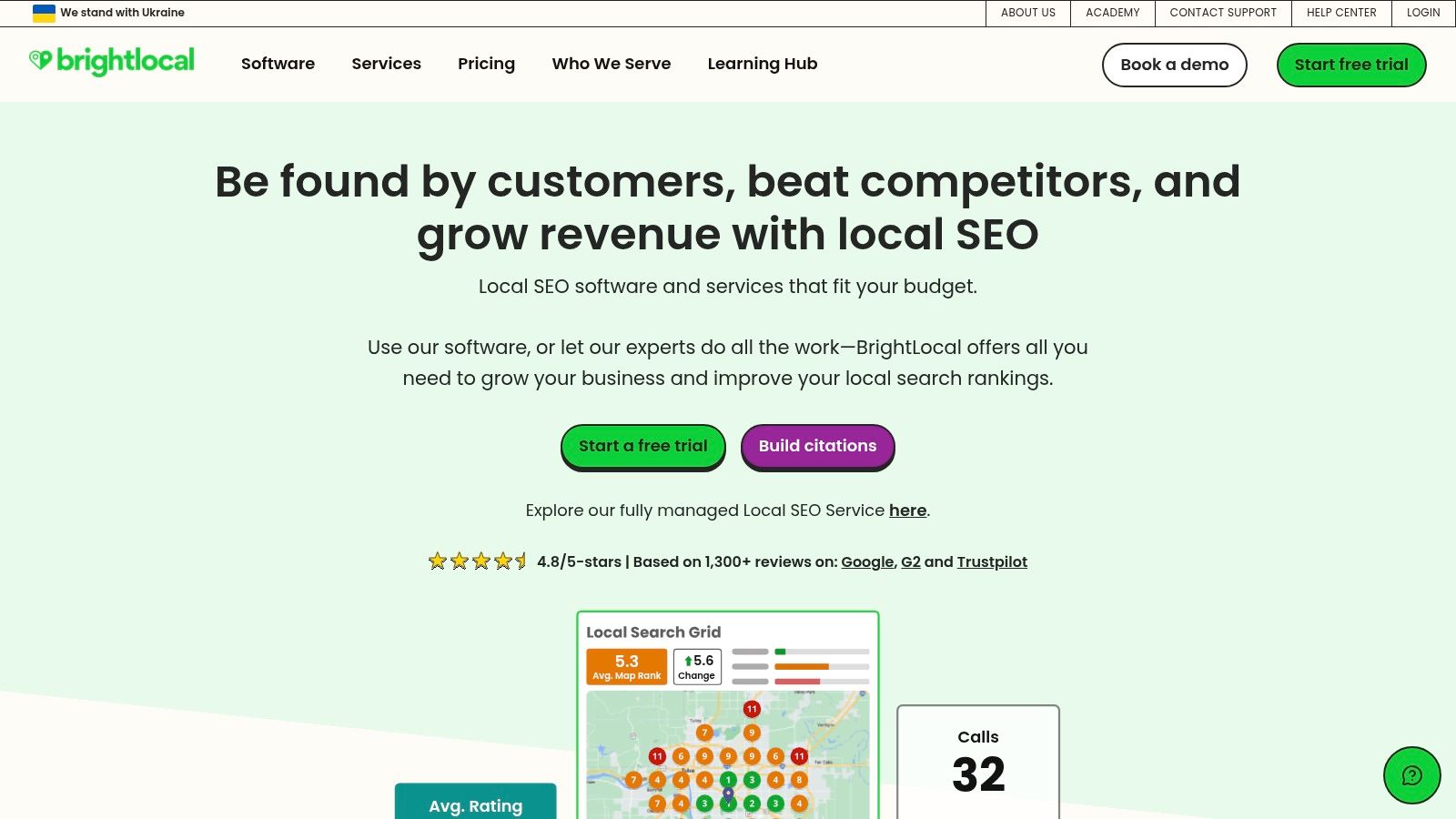
Its stand-out feature is the Local Search Grid, which visually maps your rankings across a specific area, showing you where you are strong and weak. For service-based businesses, this is crucial for understanding your true visibility. The platform also excels at citation management, helping you build and clean up your business listings across the web to ensure consistency. You can also conduct Google Business Profile audits and manage customer reviews, all from one dashboard. For a deeper dive into how these elements come together, you can explore our guide on local SEO for service businesses.
Key Considerations
| Aspect | Details |
|---|---|
| Best For | Local SMEs, agencies, and multi-location businesses needing to track and improve local search performance. |
| Pricing | Plans start from around £30/month per location, scaling with the number of reports needed. |
| Pros | Purpose-built for local SEO with excellent visual reporting; clear per-location pricing; strong citation and review management tools. |
| Cons | Very specialised, so not a replacement for an all-in-one SEO suite; some features have country limitations. |
Practical Tip: Start by running a Local Search Grid report for your primary commercial keyword and your business location. This will give you an immediate, easy-to-understand visual of your ranking footprint and highlight opportunities for improvement.
Website: https://brightlocal.com
11. Capterra UK
While not an SEO tool itself, Capterra UK is a software directory for finding the right one. It’s a useful first step in your research, allowing you to compare a range of options side-by-side. It’s one of the best SEO tools for small business discovery because it centralises user reviews, feature lists, and pricing information, saving you hours of manual searching.
For a business trying to find a solution that fits a specific budget and need, Capterra is efficient. You can filter by features (like “Local SEO” or “Rank Tracking”), deployment type, and even look specifically for free plans. This helps you create a shortlist of viable candidates before committing to demos or free trials. It aggregates real-world user feedback, giving you a clearer picture of a tool’s strengths and weaknesses beyond the marketing copy on its own website.
Key Considerations
| Aspect | Details |
|---|---|
| Best For | SMEs at the start of their search, wanting to compare multiple SEO tools on price, features, and user ratings. |
| Pricing | Free to use for research. |
| Pros | Centralises user reviews and feature comparisons; excellent filtering options to narrow your search; quick links to vendor sites. |
| Cons | Pricing snapshots can sometimes be out of date, so always verify on the vendor’s site; be aware of sponsored listings. |
Practical Tip: Use the filters to search for tools that offer a “Free Trial” or “Free Version”. This is a low-risk way to test your top 2-3 shortlisted tools with your own website data before making a financial commitment.
Website: https://www.capterra.co.uk/directory/30931/seo/software
12. Shopify App Store (SEO category)
For small businesses running on Shopify, the official App Store is the first place to look for extending a site’s capabilities. It’s less a single tool and more a curated marketplace, but its SEO category is so vital for ecommerce that it stands on its own as an essential resource. This platform allows you to find, trial, and install a range of SEO applications with one click, with all billing handled through your existing Shopify account.
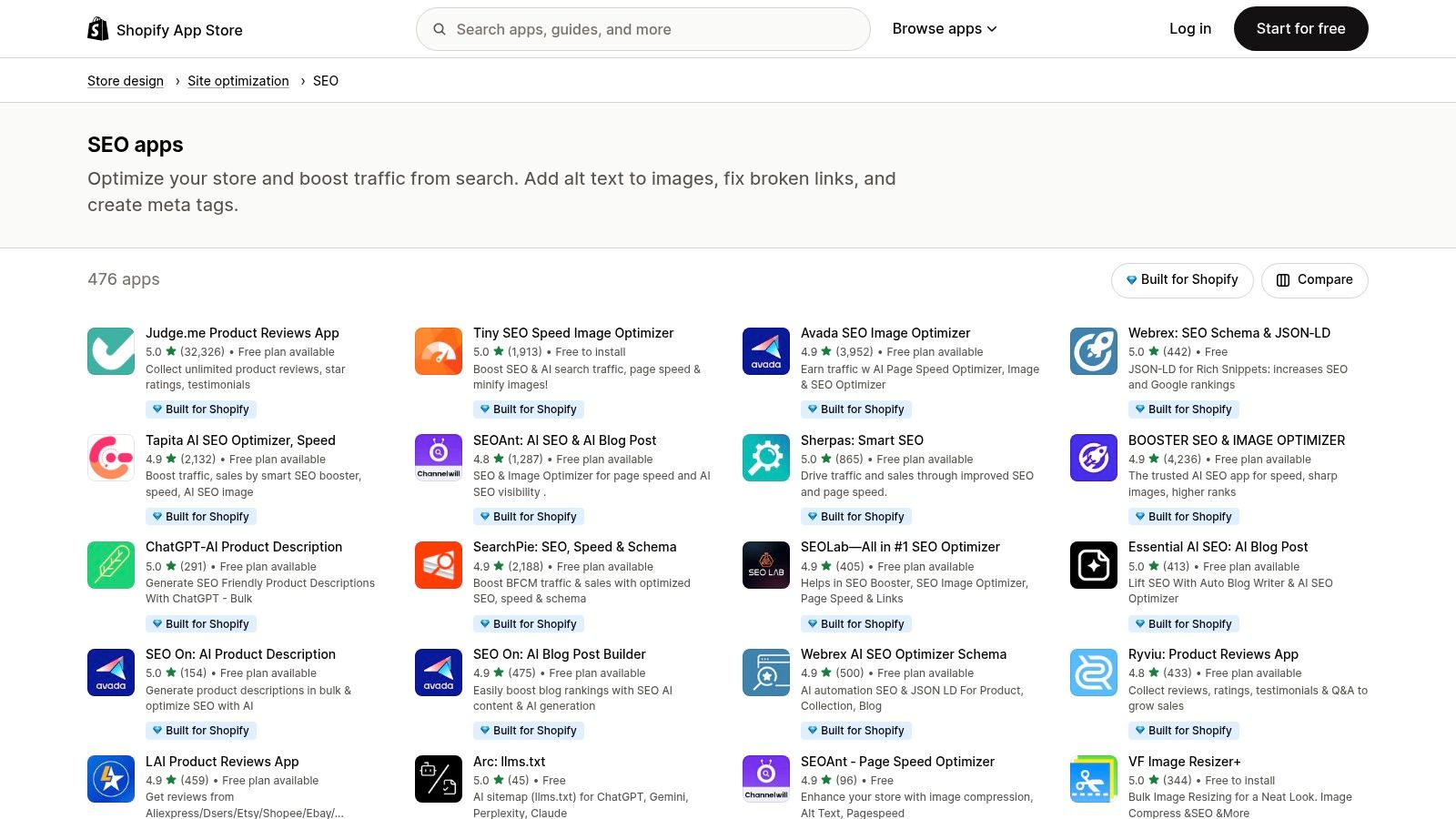
From apps that automatically generate image alt text and fix broken links to comprehensive suites that offer structured data and meta description templates, there’s a solution for nearly every on-page and technical SEO need. You can filter by price, features, and user reviews, making it easier to find trusted tools like Yoast SEO for Shopify or niche apps designed for specific tasks like site speed optimisation. This integrated ecosystem makes it one of the best SEO tools for small business owners in the ecommerce space who need reliable, plug-and-play solutions.
Key Considerations
| Aspect | Details |
|---|---|
| Best For | UK-based Shopify merchants needing to add specific SEO functionalities directly into their store’s admin. |
| Pricing | Varies widely. Many apps offer a free plan or a free trial, with paid plans typically ranging from £5 to £50/month. |
| Pros | Safe, centralised installation and billing experience; rich choice of plug-and-play apps perfectly suited for merchants. |
| Cons | App quality can be inconsistent, so you need to review and test them; stacking multiple apps may create feature overlap and increase costs. |
Practical Tip: Don’t install too many apps at once. Start by identifying your biggest SEO weakness (e.g., poor image optimisation or slow page speed) and find a highly-rated app that solves that single problem. Use the free trial period to test its impact before committing.
Website: https://apps.shopify.com/categories/store-design-site-optimization-seo?utm_source=openai
Top 12 SEO Tools for Small Business — Comparison
| Tool | Core features | Quality (★) | Value & Pricing (💰) | Target audience (👥) | Unique selling points (✨/🏆) |
|---|---|---|---|---|---|
| Semrush | Keyword research, site audits, rank tracking, content & local listings, reporting | ★★★★☆ | 💰💰💰 — subscription + add‑ons | 👥 SMEs & agencies | ✨ All‑in‑one platform, 🏆 white‑label reporting |
| Ahrefs | Backlink intelligence, Site/Keywords Explorer, site audit, rank tracking | ★★★★★ | 💰💰💰 — premium plans | 👥 SEOs, competitive analysts, agencies | 🏆 Best backlink data, ✨ powerful explorer tools |
| Moz Pro | Keyword & competitor research, link analysis, audits, MozBar | ★★★★☆ | 💰💰 — mid‑tier plans | 👥 Small teams & in‑house marketers | ✨ Approachable UI & learning resources |
| Screaming Frog SEO Spider | Desktop site crawler, exports, GA/SC integration, custom extraction | ★★★★☆ | 💰 — low cost (desktop licence) | 👥 Technical SEOs & developers | 🏆 Cost‑effective technical audits, ✨ full data control |
| SE Ranking | Daily rank tracking, site audit, backlink monitor, on‑page toolkit, API | ★★★★☆ | 💰💰 — strong value, scalable limits | 👥 SMEs & small agencies | ✨ Great value for money, 🏆 flexible seat/limit options |
| Ubersuggest (Neil Patel) | Keyword ideas, site audit, rank tracking, simple competitor insights | ★★★☆☆ | 💰 — budget entry, trials/promos | 👥 Beginners, sole traders, startups | ✨ Beginner‑friendly, low price entry |
| Surfer | Content Editor, real‑time scoring, on‑page audits, SERP analysis | ★★★★☆ | 💰💰 — content‑focused tiers | 👥 Content teams, writers, SEO agencies | 🏆 Excellent for content optimisation, ✨ AI briefs & workflows |
| Yoast SEO | On‑page guidance, readability scoring, schema, redirects, academy | ★★★★☆ | 💰 — low‑mid (per‑site Premium) | 👥 WordPress & Shopify site owners | ✨ Quick on‑page wins, 🏆 Widely used WP plugin |
| Rank Math | Schema builder, keyword rank tracking, Content AI, multi‑site support | ★★★★☆ | 💰 — low‑mid, generous allowances | 👥 Multi‑site owners, bloggers, agencies | ✨ Feature‑rich WP plugin, great value |
| BrightLocal | Local rank grids, citations/listings, GBP audits, review management | ★★★★☆ | 💰💰 — per‑location pricing | 👥 Local businesses & multi‑location brands | 🏆 Purpose‑built local SEO, ✨ clear scaling per location |
| Capterra UK | UK‑filtered directory, pricing snapshots, user reviews, vendor links | ★★★☆☆ | 💰 — free to browse (vendor listings) | 👥 Buyers shortlisting SEO tools | ✨ UK‑focused comparisons, quick shortlists |
| Shopify App Store (SEO category) | 400+ SEO apps, one‑click install, in‑app pricing, trials | ★★★☆☆ | 💰 — varies by app, trials common | 👥 Shopify ecommerce merchants | ✨ Centralised app installs & billing, curated badges |
Putting Your Tools to Work: A Practical Plan
Navigating SEO can feel like a big task, but the right tools can transform it into a manageable, strategic process. We’ve covered a range of platforms, from comprehensive suites like Semrush and Ahrefs to specialised solutions such as BrightLocal for local visibility and Screaming Frog for technical audits. The key takeaway is that there is no single “perfect” tool; the best SEO tools for your small business are the ones that align with your specific goals, budget, and resources.
For a local shop, a combination of BrightLocal for managing local listings and Google Search Console for performance data might be the most effective starting point. A growing Shopify store would benefit from an app like Yoast SEO integrated with a keyword research tool like SE Ranking to find profitable product keywords. The goal is not to use every tool available, but to build a lean, effective “stack” that provides the data you need without being overwhelming.
From Information to Implementation: Your Next Steps
Choosing your tools is only the first step. The real value comes when you integrate them into a consistent marketing routine. We recommend starting small to avoid feeling overwhelmed. Dedicate a specific time each week or month to SEO activities, focusing on one area at a time.
Here is a simple plan to get started:
- Define Your Primary Goal: Are you trying to increase foot traffic, generate more leads through your website, or boost online sales? Your primary objective will dictate which metrics, and therefore which tools, are most important.
- Select Your “Core” Tool: Based on the article’s recommendations, choose one foundational tool. If you’re on a tight budget, start with the free versions of Google Analytics, Google Search Console, and perhaps Ubersuggest. If you have some budget, a tool like SE Ranking offers an excellent balance of features and affordability.
- Conduct an Initial Audit: Use your chosen tool to run a baseline audit. This could be a site audit with Screaming Frog to find technical errors, a keyword gap analysis with Semrush to see what your competitors rank for, or a local presence check-up with BrightLocal. This initial data gives you a clear starting point.
- Focus on One Actionable Insight: Don’t try to fix everything at once. Your audit might reveal 50 issues. Pick one high-impact area to focus on for the first month, such as optimising your top five service pages with better keywords or fixing all the broken links on your site.
- Track Your Progress: The purpose of these tools is to measure what works. Set up a simple tracking system, whether it’s within the tool’s dashboard or a basic spreadsheet, to monitor changes in your keyword rankings, website traffic, and goal completions over time.
Final Thoughts: Tools Are Enablers, Not a Replacement for Strategy
Ultimately, the best SEO tools for a small business are powerful enablers. They provide the data, insights, and workflow efficiencies needed to make informed decisions. However, they are not a substitute for a clear strategy. Success in SEO comes from the consistent application of knowledge, guided by the insights these platforms provide.
Start with what you can manage, learn as you go, and focus on steady, incremental progress. By adopting this methodical approach, you can turn your website from a simple online brochure into a powerful engine for growth, attracting more customers and establishing a strong digital footprint in your market.
Feeling overwhelmed by the options or short on time to manage these tools effectively? At Little Green Agency, we specialise in taking the complexity out of SEO for small businesses. We use our 20+ years of expertise and the best industry tools to build practical, transparent strategies that deliver real results, letting you focus on running your business. So, if you are looking for a SEO agency in Leicester then please contact us today.
